

Academy
How to Deposit Cash and Receive Crypto in Trust Wallet
Share post
In Brief
Learn how to deposit cash and receive crypto directly in Trust Wallet using Coinme's cash-to-crypto service at retail stores across 48 U.S. states*.
Key Takeaways:
Trust Wallet's Cash Deposits feature is powered by Coinme.
Trust Wallet's Cash Deposits feature lets you turn physical cash into crypto at retail stores across 48 U.S. states (*excluding New York & Texas), with no bank account required.
Identity verification is required to create a Coinme account. This is a one-time process completed in-app before your first transaction.
If you earn cash, get paid in cash, or simply prefer to use cash, you now have a direct path into crypto that doesn't require a bank account, debit card or complicated sign-up process. Trust Wallet's Cash Deposits feature lets you walk into a retail store, hand over physical cash, and receive crypto straight into your self-custody wallet. This article walks you through exactly how it works, what you need to get started, where you can deposit, and what to expect along the way.
What is the Cash Deposits Feature?
Cash Deposits is a Trust Wallet feature that enables U.S. users to convert physical cash into crypto at supported retail locations across the country. The service is powered by Coinme, a licensed cash-to-crypto provider registered with the U.S. Treasury's Financial Crimes Enforcement Network (FinCEN). Trust Wallet is a non-custodial wallet, meaning you control your funds at all times. There is no custodial balance held on your behalf after your deposit is confirmed.
Turning physical cash into digital assets has traditionally meant using an intermediary, paying steep fees, and waiting days for funds to settle. Cash Deposits cuts through that. Once your cash is confirmed at the retail counter, crypto is delivered directly to your Trust Wallet.
What is Coinme?
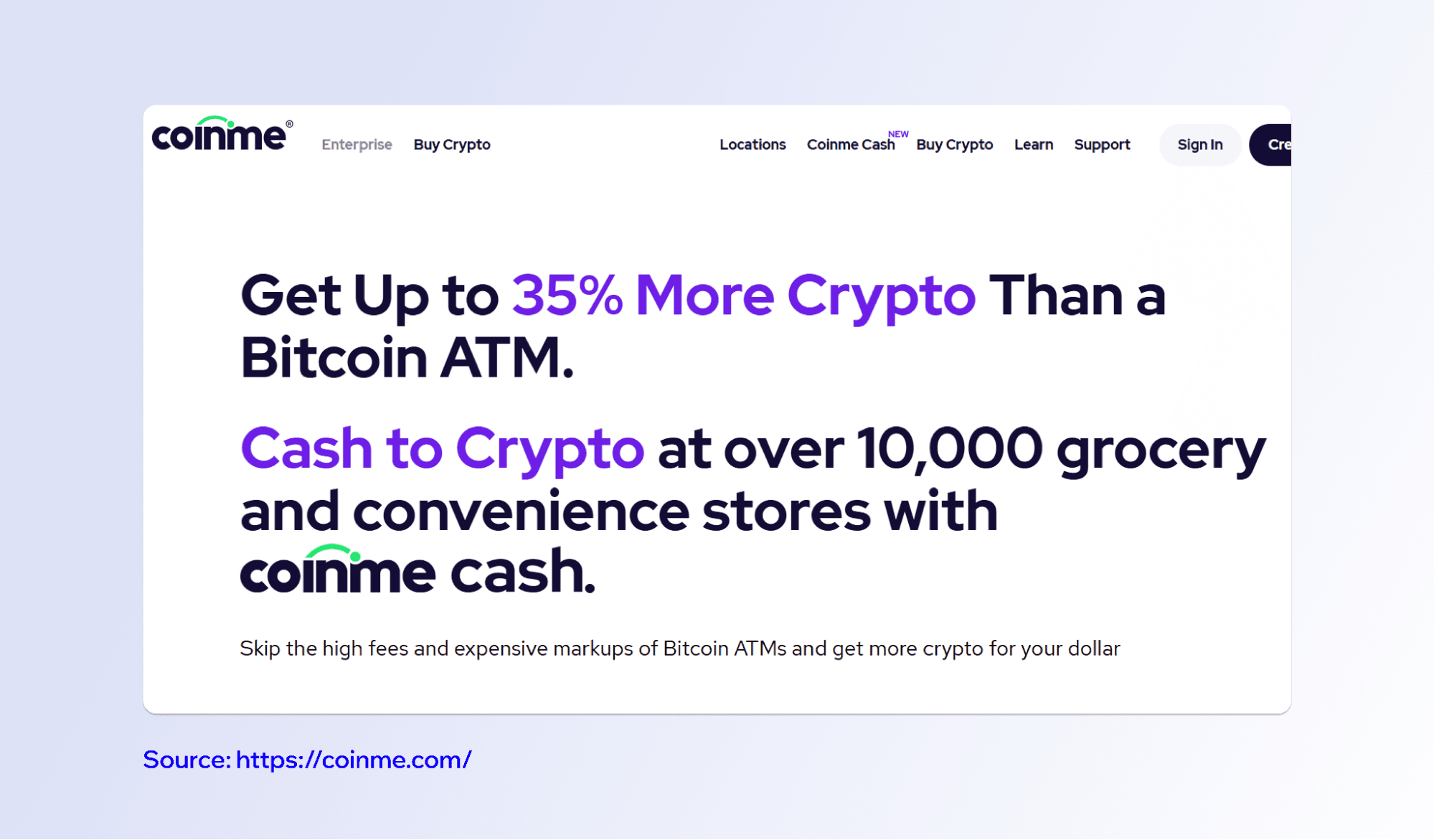
Coinme is a licensed cryptocurrency exchange founded in 2014. Coinme operates more than 50,000 locations across 48 U.S. states and is the first licensed Bitcoin ATM operator in the United States. When you use the Cash Deposits feature in Trust Wallet, Coinme processes the cash transaction on the back end. Trust Wallet itself does not act as a money services business. Coinme, as the licensed provider, powers and operates the cash-to-crypto service.
The Cash Deposits feature is currently available in 48 U.S. states and Puerto Rico, with New York and Texas excluded due to state regulatory requirements. If you are based in New York or Texas, this service is not available to you right now.
Creating a Coinme Account
Before you can make your first cash deposit, you need to create a Coinme account. Creating an account is a straightforward, one-time process completed directly inside the Trust Wallet app. You will need a valid email address, phone number and social security number to register.
Identity verification is a legal requirement that Coinme must meet as a licensed money transmitter. The verification process is completed in-app and typically takes just a few minutes. You must be 18 years or older to create an account. Once your account is verified, you do not need to repeat this step for future deposits.
For full details on what Coinme requires and how your information is handled, you can review Coinme's Terms of Service and Coinme's Privacy Policy. You can also review Trust Wallet's Terms of Service and Trust Wallet's Privacy Notice.
Which Crypto Can You Receive?
Through the Cash Deposits feature, you can receive mainstream digital assets, including Bitcoin (BTC), Solana (SOL), and stablecoins like USDC. The full list of supported assets is shown inside the app during the checkout flow, as availability can vary.
Where to Deposit Cash
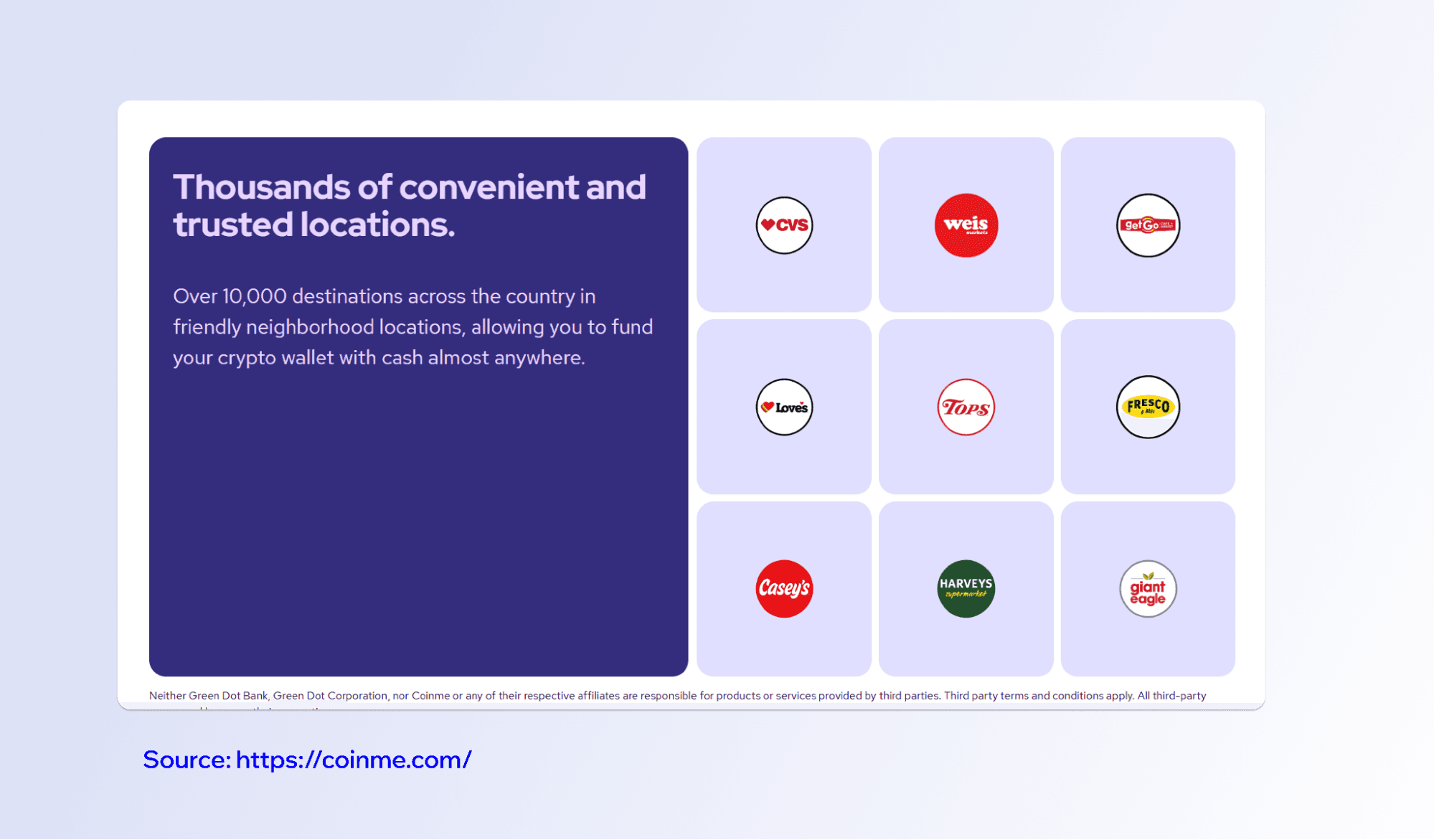
Coinme operates more than 10,000 retail checkout counter locations across the United States, where you can deposit cash. Counter locations include major retailers like CVS, Walmart, Weis Markets, Love's Travel Stops, GetGo, Giant Eagle, and Casey's General Store, among others. Supported locations near you are displayed inside the Trust Wallet app before you begin a transaction.
How to Fund Your Trust Wallet With Cash
Make sure you have the latest version of Trust Wallet installed. Then follow these steps:
Open Trust Wallet and tap Fund → Deposit Cash.
Select the crypto asset you want to receive.
Sign up or log in with Coinme and complete identity verification.
Enter the deposit amount and select a nearby retail location.
Generate a barcode, show it to the cashier, and hand over your cash.
Your crypto arrives in your Trust Wallet after payment confirmation and blockchain network confirmation (timing varies).
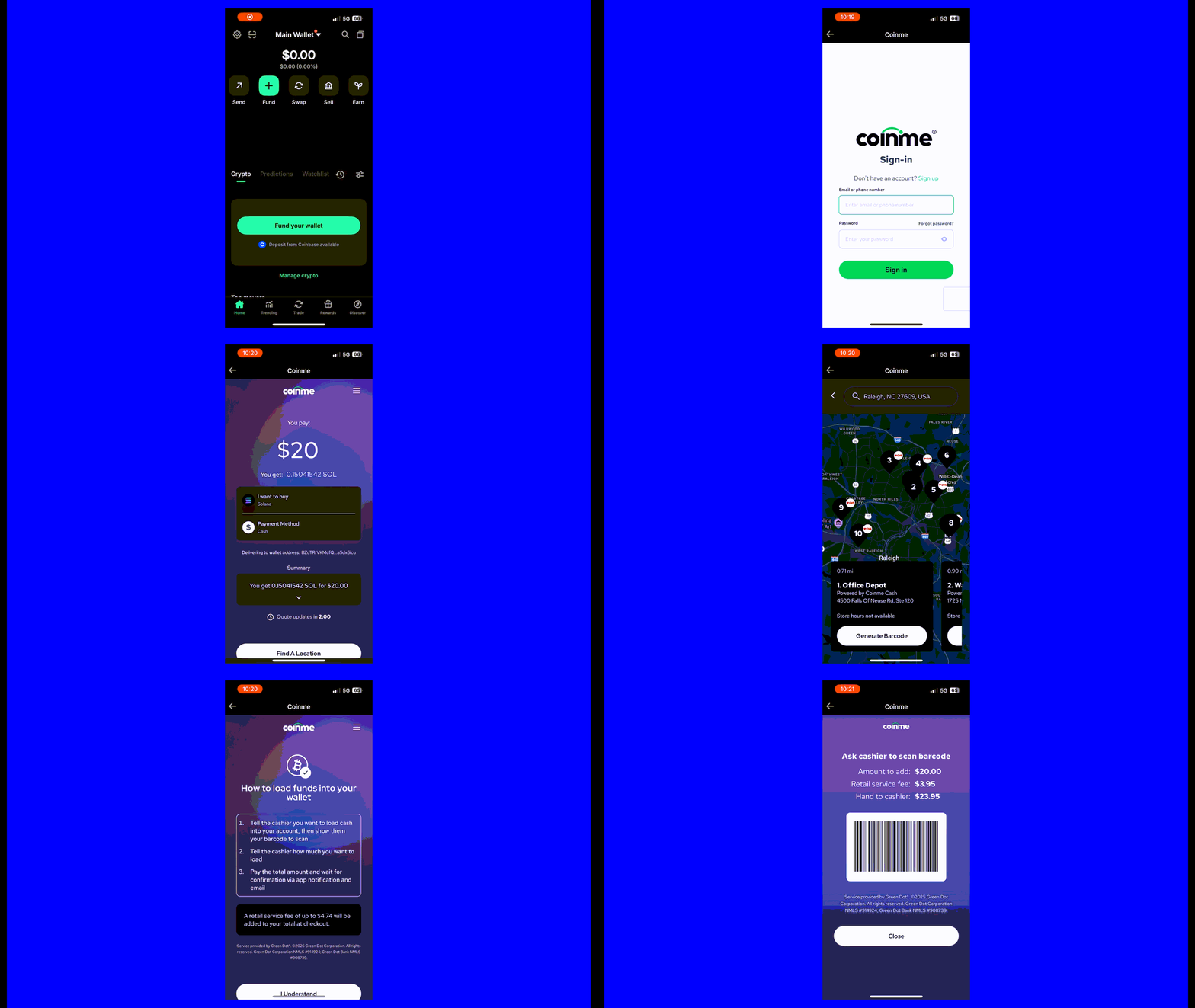
Once your deposit is confirmed on-chain, you hold your crypto outright in your self-custody wallet. No third party retains your funds, and only you control your private keys.
Fees and Transaction Limits
Each cash deposit carries a 4% service fee plus a $3.95 flat transaction fee. These are Coinme's fees for processing the transaction, and they are shown to you before you confirm. You always know exactly what you are paying. The minimum deposit through Coinme Cash at retail checkout counters is $20 per transaction. For a complete and up-to-date fee breakdown, visit coinme.com/fees.
Your Funds Stay in Your Control
Because Trust Wallet is a non-custodial wallet, no third party holds or manages your funds. Once crypto is deposited into your wallet, you control it entirely through your private keys. Self-custody is a fundamental difference between Trust Wallet and exchange-based wallets, where the platform holds your assets on your behalf. With Trust Wallet, self-custody means you are the only one with access to your funds.
Making Cash Work in the Digital World
For millions of people in the U.S. who are paid in cash or do not have easy access to traditional banking, the Cash Deposits feature opens a practical door into the digital economy. You can store value digitally, send funds to family, and move money on your own terms — all starting with the cash you already have in your pocket.
Make sure you are running the latest version of Trust Wallet before getting started so you have access to the Cash Deposits feature.
Disclaimer: Before using the service, review the relevant terms and policies: Trust Wallet Terms of Service - Trust Wallet Privacy Notice - Coinme Terms of Service - Coinme Privacy Policy. Cash Deposits is powered by Coinme, a licensed provider of cash-to-crypto services. Available in 48 US states (New York & Texas excluded). Crypto assets are not legal tender and are subject to price volatility. Identity verification is required. This content is for informational purposes only and is not financial or investment advice. Please do your own research before interacting with any crypto assets. Any cited figures are accurate at the time of writing and subject to change. Content is for informational purposes and not investment advice. Web3 and crypto come with risk. Please do your own research with respect to interacting with any Web3 applications or crypto assets.
Join the Trust Wallet community on Telegram. Follow us on X (formerly Twitter), Instagram, Facebook, Reddit, Warpcast, and TikTok
Note: Any cited numbers, figures, or illustrations are reported at the time of writing, and are subject to change.