

Tether wallet
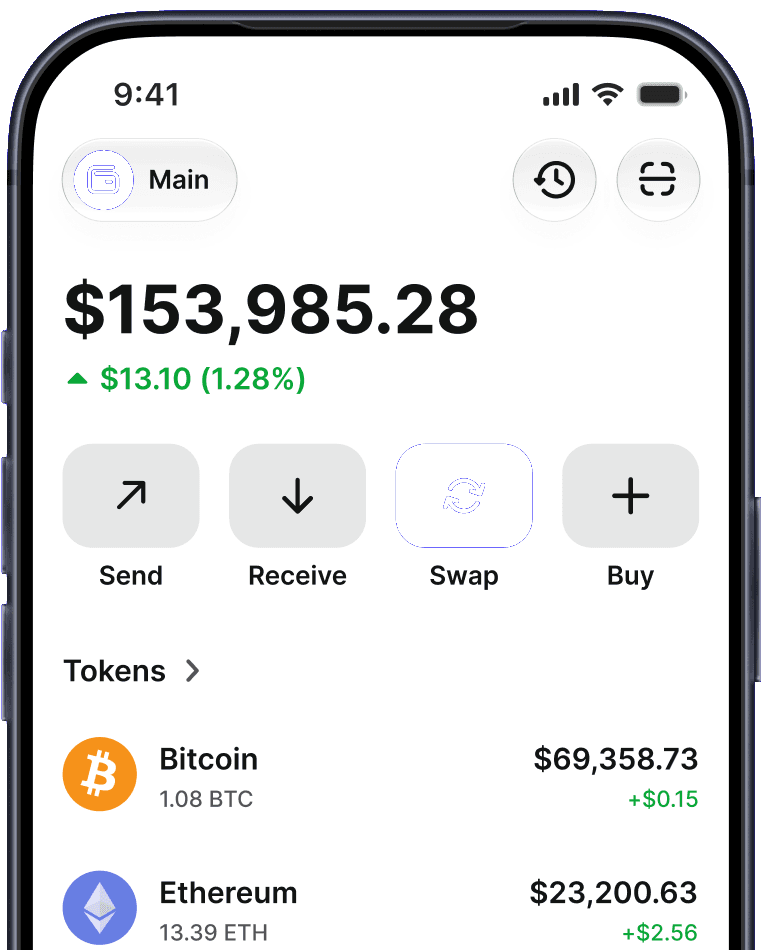
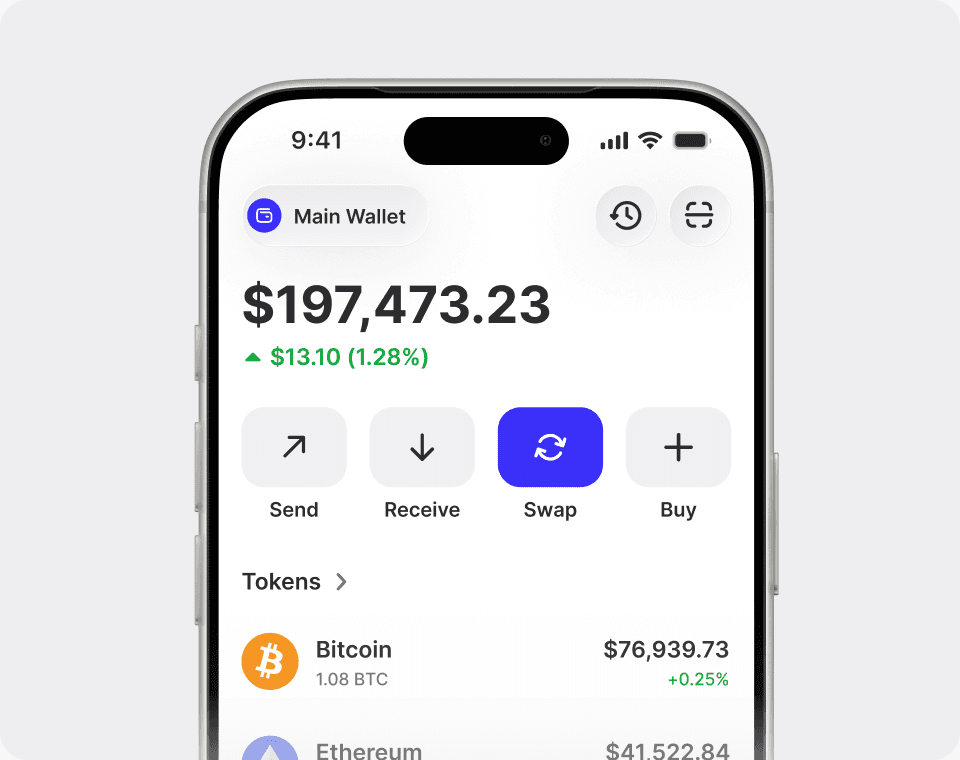
A Tether wallet is an app that lets you securely store, send, receive, buy, and swap Tether while you keep control of your private keys.
How to get a Tether wallet
- Download and install Trust Wallet.
- Add Tether (USDT) to your wallet.
- Access wallet features like buy, sell, swap and more.
 IOS
IOS
 Android
 Trust APK
Why use a wallet for Tether?

Store Tether safely
Keep your Tether safe with features like the Trust Wallet Security Scanner and Encrypted Cloud Backup.

Stay in control
We secure your Tether wallet, but don't control or have access to your private keys or secret phrase - only you do.

Buy, sell, and swap safely
Convert USD, EUR, GBP, and 100+ other fiat currencies seamlessly to USDT. Sell effortlessly for fiat. Access features like swap and more.

Easy asset management
Compare and secure the best rates from trusted payment providers across a wide range of cryptocurrencies.
Explore Tether (USDT)
Track the live Tether price, convert USDT to USD and other currencies, and buy Tether — all in self-custody inside Trust Wallet. Your keys, your crypto, across iOS, Android, and the browser extension.
- Tether priceLive USDT price, market cap, trading volume, and historical charts.Explore Tether price
- USDT to USD converterConvert Tether to USD and 100+ fiat currencies with live rates.Explore USDT to USD converter
- Buy TetherBuy USDT with a card, bank transfer, or Apple Pay in minutes.Explore buying Tether
How to buy other crypto



















Popular cryptocurrencies















Popular Crypto to Fiat Markets
Explore conversion pairs for top cryptocurrencies





Frequently asked questions
- A Tether wallet is a digital tool that allows you to buy, store, and manage your Tether securely. It enables you to send and receive Tether, and access features like buying, selling, swapping, and more.
- Yes, downloading and installing Trust Wallet is free. However, transactions such as buying or transferring Tether may incur network fees. Trust Wallet provides a user-friendly platform for both new and experienced crypto enthusiasts to manage their Tether and other cryptocurrencies.
- Protect your assets by creating multiple secure backups. Trust Wallet does not control or have a copy of your secret phrase, so store your backup in a secure place, and consider using Trust Wallet’s Encrypted Cloud Backup feature for an extra layer of protection.
- Your secret phrase (also known as a seed phrase) is the master private key to your wallet. Sharing it would be like handing over control of your assets to someone else. Ensure you keep your secret phrase confidential, and never disclose it online or through text to maintain the security and integrity of your wallet.
- Outdated software is vulnerable to hacks and other security risks. Install Trust Wallet updates as they become available, and regularly update the software on your devices to the latest version to help keep your assets secure.
- Always be skeptical of unsolicited messages or emails asking for your wallet information. Verify the source and never click on suspicious links, as they may be phishing attempts to steal your assets. Note that Trust Wallet will NEVER reach out asking for your private keys or secret phrase. If you’re ever in doubt, reach out to our support team.
Trust Wallet is one of the highest-rated self-custody crypto wallets.
Rated 4.7 on the App Store and 4.6 on Google Play, across 2.7M verified reviews – trusted by millions of users on iOS and Android.