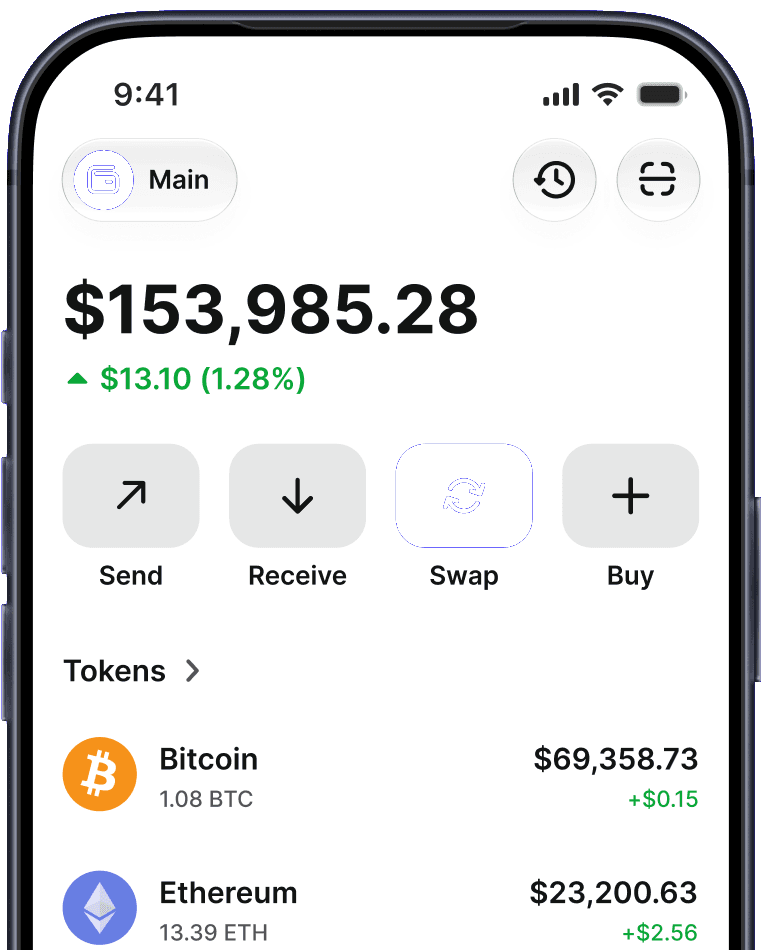



What Is a Limit Order?
A limit order is an instruction to swap a token only when the market reaches a price you set in advance. Instead of accepting whatever rate the market offers right now, you define the exact price you want — and the trade only goes through when that condition is met.
This gives you control over price, not just timing. You decide your entry or exit point, and the order waits patiently until the market gets there, so you don't have to watch charts all day or accept an unfavorable rate.
How Does a Limit Order Work?
You choose a token pair and the amount you want to swap.
You set your target price — the rate at which you want the swap to execute.
You confirm and sign the order.
The order remains open, monitoring the market.
When the market reaches your target price (and there's sufficient liquidity), the swap executes automatically.
Limit Order vs Market Order
| Feature | Limit Order | Market Order |
|---|---|---|
| Execution price | Your specified price or better | Best price available right now |
| Execution timing | When the market hits your price | Immediately |
| Control over price | Full | None |
| Guaranteed to fill | No | Yes (if liquidity exists) |
| Best for | Patient, price-sensitive trades | Speed and certainty |
Why Use a Limit Order?
Better entry and exit points — buy lower or sell higher than the current price.
Hands-off trading — set your price and walk away; no need to watch the market.
Avoid emotional decisions — pre-commit to a price instead of reacting to volatility.
Reduce overpaying — you never accept a worse rate than the one you chose.
Will a Limit Order Always Fill?
A limit order only executes when the market reaches your target price and enough liquidity is available. If the price never reaches your target, the order simply stays open until it does or you cancel it. In low-liquidity conditions, an order may fill partially or not at all.
Limit Orders and Trust Wallet
Trust Wallet brings limit orders to token-to-token swaps — one of the first major self-custody mobile wallets to do so. You set your target price, confirm the order, and the swap executes automatically when the market gets there. Your assets stay in your self-custody wallet the entire time and only move when the order fills, with the output sent straight back to you. You can view and cancel open orders at any time from the Open Orders screen — your keys, your assets, your control throughout.