

お知らせ
Swapping tokens in Trust Wallet got way faster
投稿をシェア
概要
Swapping tokens on Trust Wallet is now faster, simpler, and more intuitive — one screen, fiat amount input, and popular tokens surfaced from real swap activity before you even search. Imagine wanting to swap $10 into a stablecoin. You open the app, tap Swap, and before you type a single character, popular tokens are already right there — based on what people are actually swapping right now. You enter "$10", confirm, and a clear success screen shows exactly what you sent and what you received. That's the new swap experience on Trust Wallet. Available now on mobile.
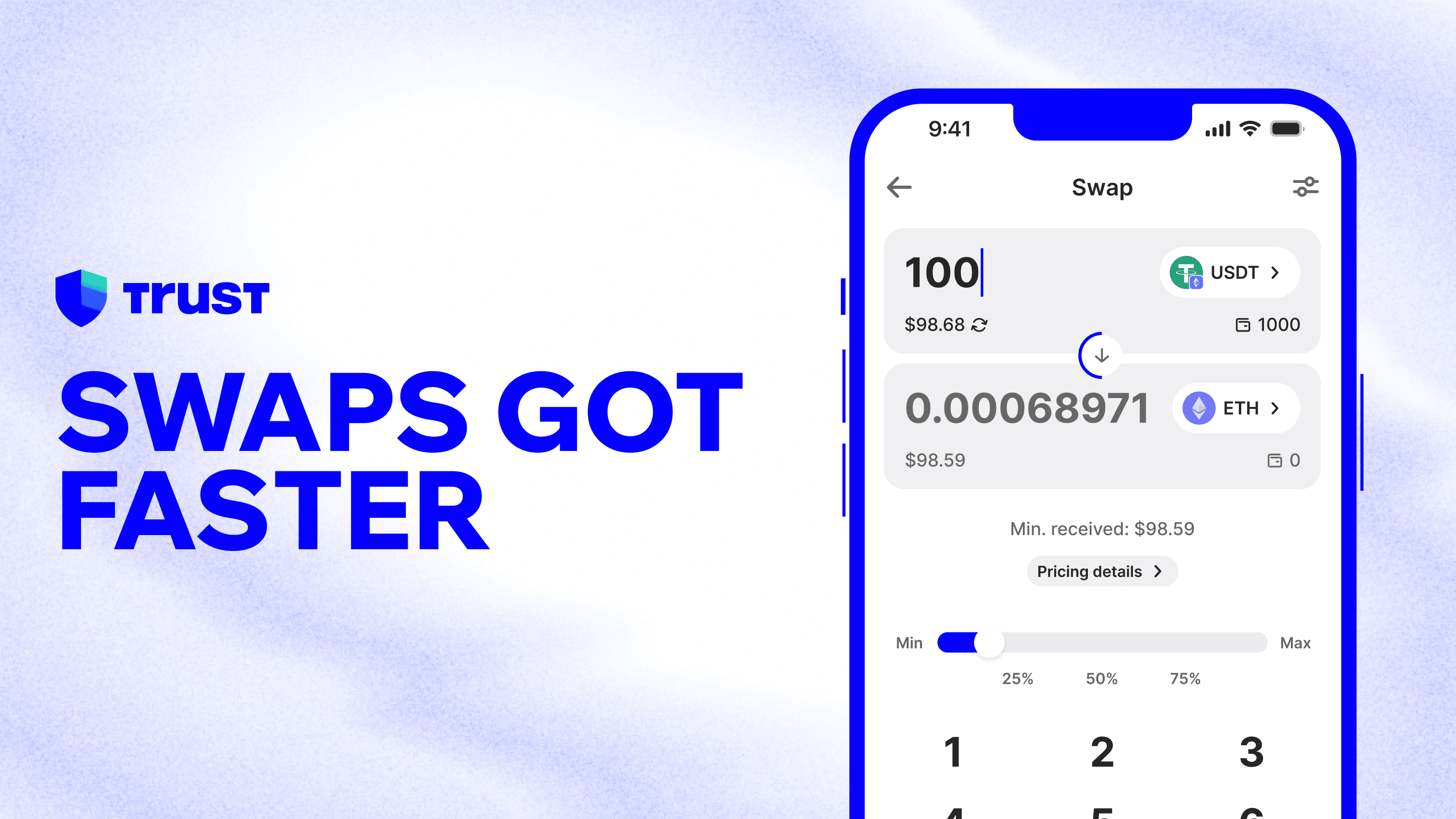
Everything You Need to Swap, on One Screen
No more navigating four near-identical screens. No more uncertainty about whether your swap went through.
The new swap flow puts everything in one place: your tokens, your amount, and a single action. Technical details like fees and provider info are still accessible — just one tap away on a dedicated screen — so they're there when you want them, out of the way when you don't.
Note: The single-screen flow is available on supported EVM chains.
See What Tokens People Are Swapping Right Now
One of the biggest frustrations with swapping was the search experience. Type a token name and get hundreds of results back — including scam copies, fake contracts, and bridged variants with no way to tell which was real.
Now the app surfaces popular tokens from real-time data across 600,000+ daily swaps, showing what people are actually swapping right now. As you switch your FROM token or network, the list updates to match. Verified tokens come first. Scam tokens stay out of sight.
Enter a Dollar Amount, Not 0.010126616784837438
Converting a dollar amount into a crypto fraction is one of those small frustrations that adds up. Now you can enter what you want to spend — $10, $50, $200 — and you'll see the equivalent token amount before you confirm, no manual conversion needed.
Toggling to crypto input is still available at any time. But for most swaps, you'll never need to.
A Keyboard That Doesn't Get in the Way
The native OS keyboard used to pop up and cover half the swap screen the moment you started typing, hiding the swap details you needed to see. The new custom keyboard was built specifically for swapping. It keeps all the swap content visible while you enter an amount, and comes with an integrated slider plus 50% and Max quick-set controls for when you know exactly how much you want to move.
Two Screens Built for Two Different Jobs
The FROM screen is built around what you hold. The TO screen is built around where you're going — with popular tokens surfaced from real swap activity, your personal watchlist shortcuts, and a list that updates based on what you've selected to swap from. Switching between assets and networks is now faster than ever.
Save your most-swapped tokens to your watchlist and they'll always be right there on the TO screen, no searching needed.
You'll Always Know Your Swap Worked
When your swap completes, a clear success animation shows what you sent, what you received, and what you can do next — swap again, see what people are swapping, or head back to your portfolio. No more refreshing the app to check if it went through.
How to Swap
Open Trust Wallet and tap Swap.
Select your FROM token — the asset you want to swap.
On the TO screen, tap a popular token from the list or search for one. Verified tokens are listed first.
Enter your amount in your local currency, or toggle to crypto input.
Review the summary and confirm your swap.
Done. Your confirmation screen shows exactly what was swapped.
Your wallet should work as fast as you do. The new swap experience is live now.
Disclaimer: Content is for informational purposes and not investment advice. Web3 and crypto come with risk. Please do your own research with respect to interacting with any Web3 applications or crypto assets. View our terms of service.
Join the Trust Wallet community on Telegram. Follow us on X (formerly Twitter), Instagram, Facebook, Reddit, Warpcast, and Tiktok
Note: Any cited numbers, figures, or illustrations are reported at the time of writing, and are subject to change.