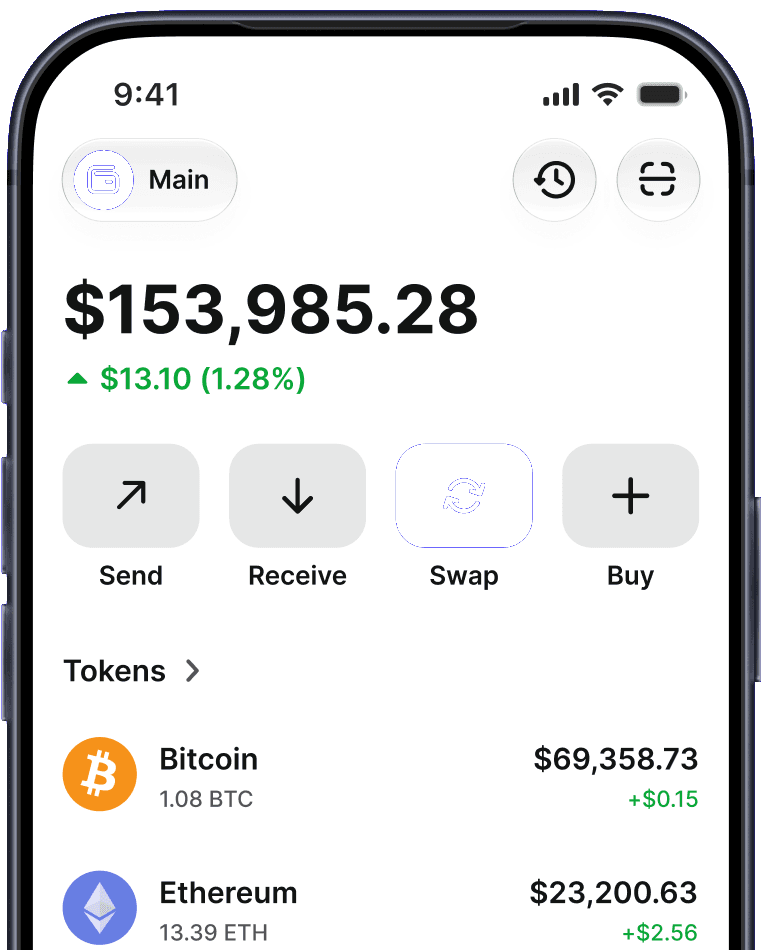


Trust Wallet is a self-custody wallet used by millions of people worldwide: your private keys are generated and stored on your device, never on our servers. Trust Wallet never holds them — your funds live on the blockchain under your keys, and your wallet can be restored in any compatible app with your recovery phrase. A built-in Security Scanner checks transactions against known risk signals and warns you before you sign — a prompt to look closer, not a guarantee. The main risks in self-custody are user-side: protecting your recovery phrase and avoiding scams.
What Does Self-Custody Actually Mean?
When you create a wallet, Trust Wallet generates a secret recovery phrase on your device. That phrase — and the private keys derived from it — never leaves your phone or browser extension. The one exception is optional Encrypted Cloud Backup: if you enable it, an encrypted copy is stored in your own cloud account (iCloud or Google Drive), not on Trust Wallet's infrastructure, and can only be decrypted with a password you set. There is no Trust Wallet account, no password stored on a server, and no company database of user funds that could be accessed by a third party.
This is the core difference from keeping crypto on an exchange. An exchange holds the keys for you: if it's breached, freezes withdrawals, or fails, your funds are affected. With self-custody, your funds live on the blockchain under keys only you control.
How Does Trust Wallet Protect You?
| Protection | What it does |
|---|---|
| Keys on your device | Private keys are generated and encrypted locally — never uploaded |
| On-device authorization | Nothing moves without a transaction you sign yourself |
| Address book | Saved, verified recipients reduce address-swap scams |
| Security Scanner | Warns on known risk signals before you sign — a prompt, not a guarantee |
| App-level security | Passcode and biometrics protect access to the app |
| No central account | No account login to phish, and no custodial account holding your funds |
What Is the Security Scanner?
Most crypto theft today doesn't break encryption — it tricks people into signing malicious transactions. The Security Scanner addresses exactly that: before you approve anything, it simulates what the transaction will really do, checks the destination against known scam and drainer contracts, and warns you about risky token approvals — a prompt to look closer, not a guarantee. You see the actual effect — what leaves your wallet, what permissions are granted — instead of unreadable contract data.
What Are Some of the Main Risks?
Being honest about self-custody: the protections above don't remove your own responsibilities.
Your recovery phrase is everything. Anyone who obtains it controls your funds, and no one can reset it. Write it down offline and never share it — Trust Wallet will never ask for it.
- Scams target you, not the wallet. Phishing sites, fake "support" agents, and crypto drainers work by convincing you to hand over the phrase or sign a bad transaction.
Lost phrase = lost funds. If you lose your device and have no backup of your phrase, your funds are unrecoverable. Optional Encrypted Cloud Backup can help — the backup is encrypted with a password you create — Trust Wallet cannot reset or recover that password, so choose a strong one and store it separately — and it can only be restored with that password.
Is Trust Wallet Legit?
Trust Wallet has operated since 2017 and is used by millions of people across 100+ blockchains. It's a real, widely reviewed product — but don't take any wallet's word for its own safety: the architecture is the verifiable part — your keys are generated on your device and never leave it.
Staying Safe with Trust Wallet
The wallet secures the keys; you secure the phrase. Keep it offline, review what you sign, and treat anyone asking for your recovery phrase as a scam — every time. For the full picture of our security model, see trustwallet.com/security, and if you're new to self-custody, start with our guide to spotting wallet scams.
Disclaimer: Content is for informational purposes and not investment, financial, or tax advice. This article describes Trust Wallet's security architecture for general informational purposes and is not a guarantee of security. Web3 and crypto come with risk. Please do your own research with respect to interacting with any Web3 applications or crypto assets. View our terms of service.