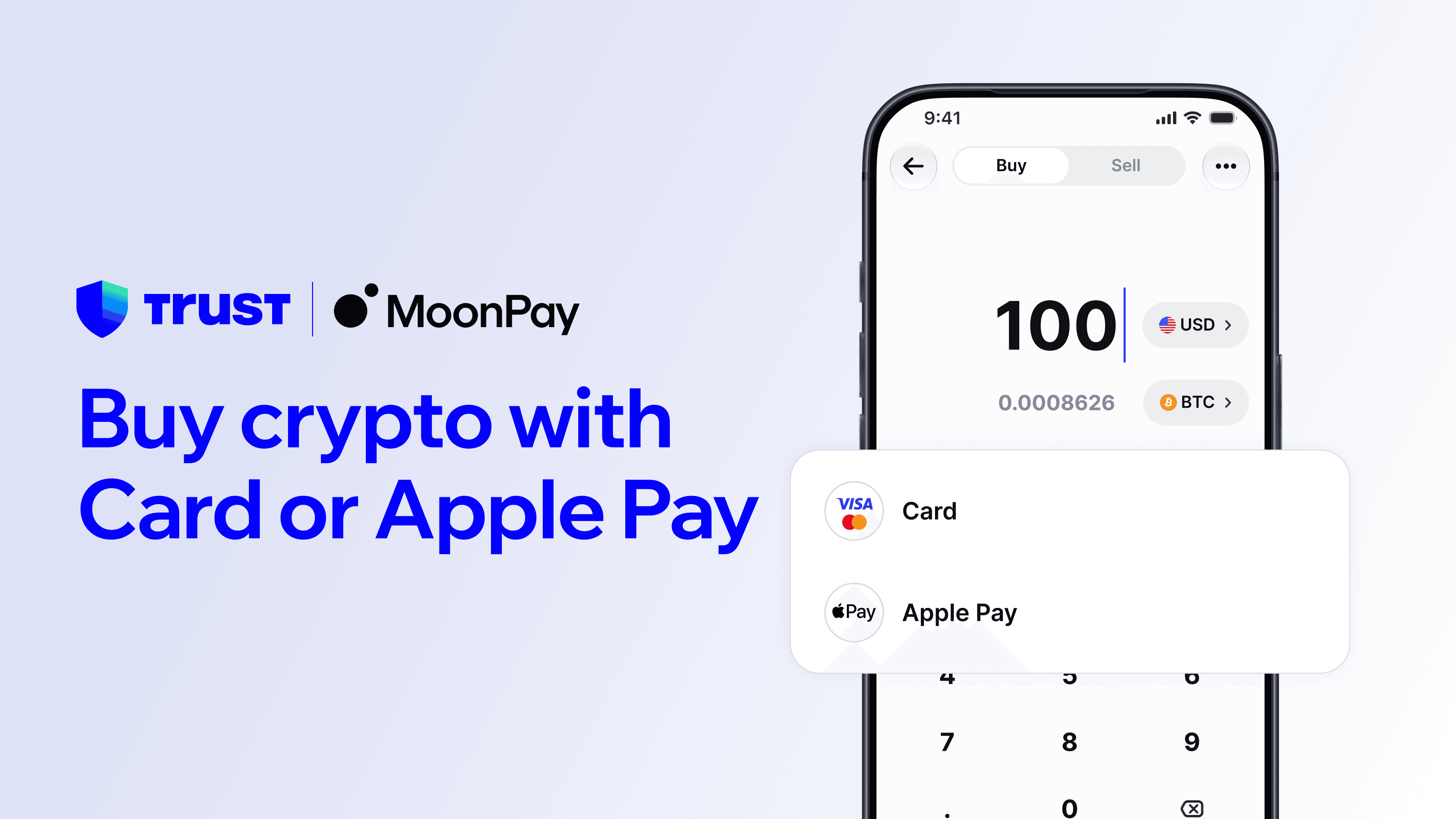


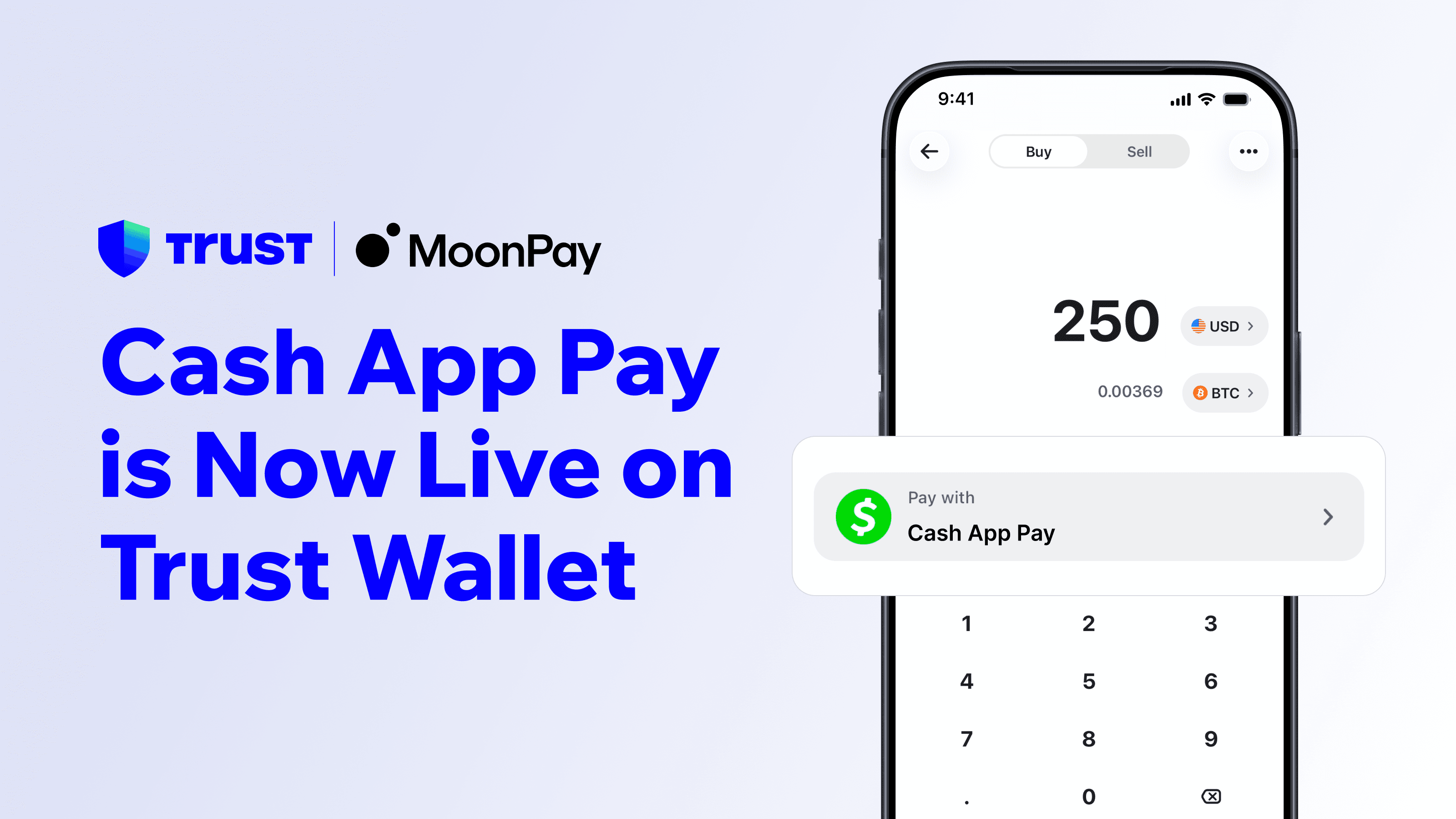
We're excited to introduce Cash App Pay, a new payment method available through MoonPay in Trust Wallet. Eligible customers in the US can now buy digital assets using the balance already sitting in their Cash App balance, without entering card details every time. Link your account once, approve the connection, and you're set for fast, familiar checkouts whenever you buy crypto in Trust Wallet.
Why Cash App Pay
Cash App Pay is a familiar, widely used way to pay in the US, and now you can use it as a payment method to buy crypto in Trust Wallet. Link your Cash App account once, approve the connection, and you're set for fast payments without entering card details every time.
Here's what it unlocks:
Familiar: Pay with the Cash App account you already use, with no new card details to enter
Fast: Approve payments in a couple of taps and get your crypto in minutes
Secure: You confirm each connection directly in Cash App, so your login stays with Cash App
Simple: Use one payment method for buying crypto through MoonPay
In this post, we'll walk you through the basic steps on how to start using Cash App Pay through MoonPay in Trust Wallet. This is meant to be a starting point provided for informational purposes only. Remember to do your own research, and take adequate measures to secure your wallet.
In the process of using Cash App Pay as a payment method, you will also interact with third party services such as Cash App and MoonPay. Please ensure that you read and understand their Terms of Use available at https://www.moonpay.com/en-gb/legal/terms_of_use_usa and https://cash.app/us/en/legal/tos, in addition to our existing Terms of Service.
Before You Start: Fund Your Cash App Balance
To pay with Cash App Pay, you'll need enough money in your Cash App balance to cover your order. Payments are taken from your Cash App balance, so a linked card or bank account on its own won't cover a transaction.
Important: If your Cash App balance doesn't have enough funds, your transaction will fail for insufficient funds. Add money to your Cash App balance before you buy.
How to Buy Crypto with Cash App Pay
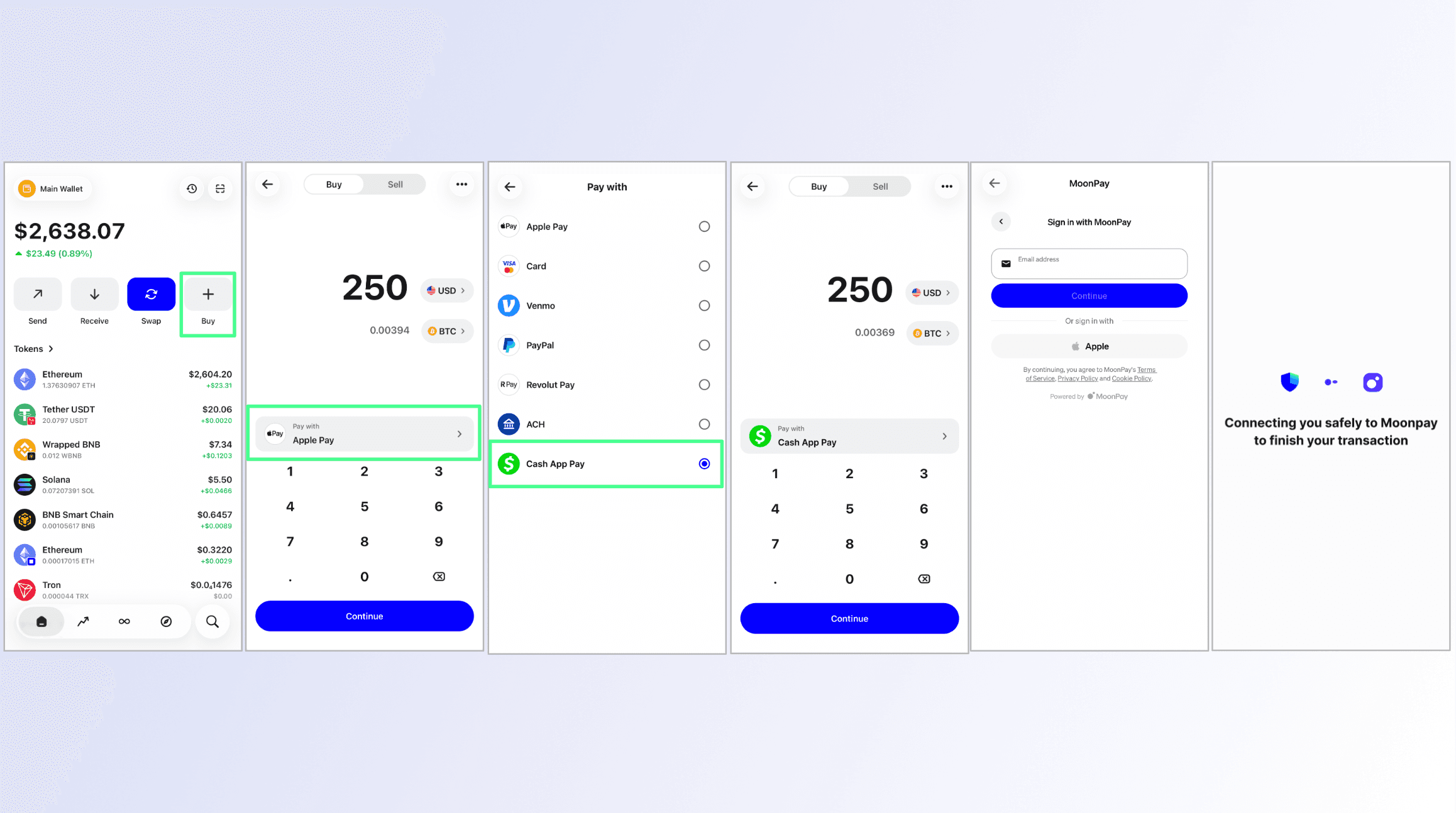
Make your first Cash App Pay payment following these steps.
Click 'Buy' on Trust Wallet homepage.
Select the cryptocurrency and amount you want to purchase.
Under payment method, select Cash App Pay.
The first time you use Cash App Pay, you'll be redirected to approve the connection. You'll see the amount, then tap Continue to checkout.
Confirm the payment, then return to Trust Wallet to view your order details.
Important: Your Cash App account must be registered in the same name as your MoonPay account. If the names don't closely match, the connection will be declined.
Tip: After your first successful purchase, your Cash App connection is saved. Future payments won't need approval each time.
Where It's Available
Cash App Pay works with US customers transacting in USD. One thing to keep in mind: payments are taken from your Cash App balance itself, so make sure it's funded before you start. A linked card or bank account on its own won't cover a transaction. Customers outside the US won't see it as an option.
Troubleshooting
If your Cash App connection is declined The most common reason is a name mismatch. Your Cash App account and your MoonPay account must be registered in the same name. Check that both accounts use the same legal name, then try again.
If your payment fails Cash App may decline a payment for a few reasons, such as insufficient funds or a limit on your Cash App account. If your payment fails, check your Cash App balance and linked funding source, or use a different payment method.
Refunds If a transaction is declined or reversed, your funds are returned to your Cash App account. Refunds should be instant. Please note that Trust Wallet is not responsible for processing refunds.
FAQs
Where is Cash App Pay available? Cash App Pay is currently only available to customers based in the US.
Do I need money in my Cash App balance to pay? Yes. Payments made with Cash App Pay are taken from your Cash App balance, so you'll need enough funds there to cover your order. A linked card or bank account on its own won't cover a transaction, so add money to your Cash App balance first.
Why do my Cash App and MoonPay account names need to match? This protects your account. For security and compliance reasons, the Cash App account you link must belong to the same person as your MoonPay account, so the names need to closely match.
Do Cash App Pay transactions count toward my limits? Yes. Payments made with Cash App Pay count toward your standard transaction limits, the same as other payment methods.
Do I need to approve every payment in Cash App? No. You approve the connection the first time you use Cash App Pay. After that, your payments go through without re-approving each one.
Disclaimer: Content is for informational purposes and not investment advice. Web3 and crypto come with risk. Please do your own research with respect to interacting with any Web3 applications or crypto assets. View our terms of service.
Join the Trust Wallet community on Telegram. Follow us on X (formerly Twitter), Instagram, Facebook, Reddit, Warpcast, and Tiktok
Note: Any cited numbers, figures, or illustrations are reported at the time of writing, and are subject to change.