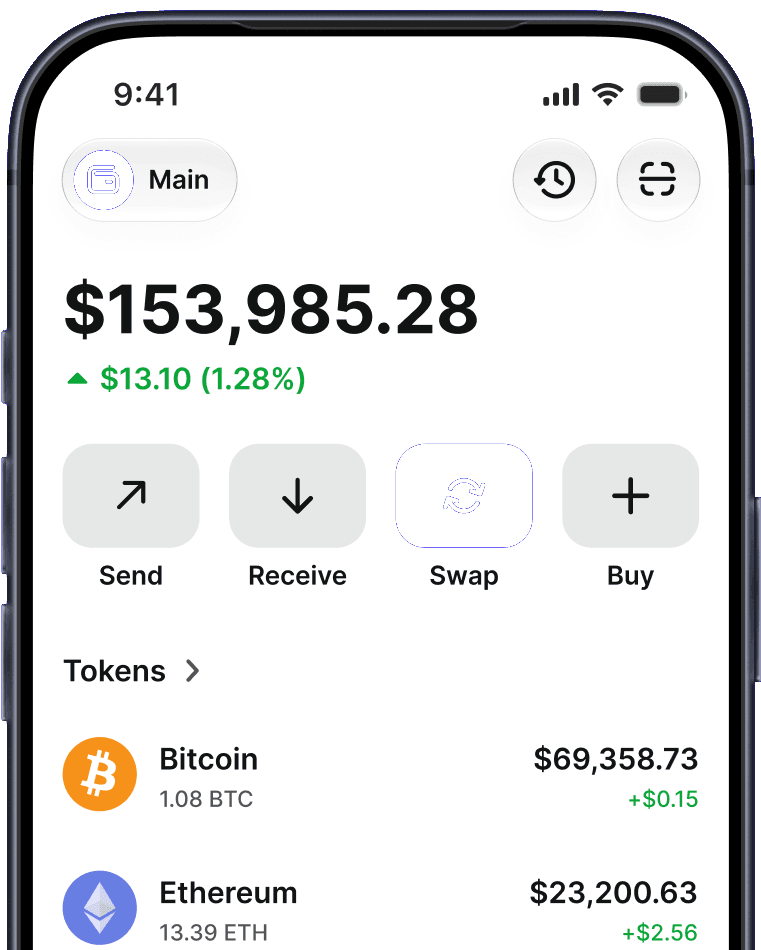


Social trading on Trust Wallet
Follow top perps traders and see every trade, the second it’s on-chain.
- Hyperliquid perps
- Trader profiles
- Top 100 traders
 Hyperliquid perps

What is social trading on Trust Wallet?
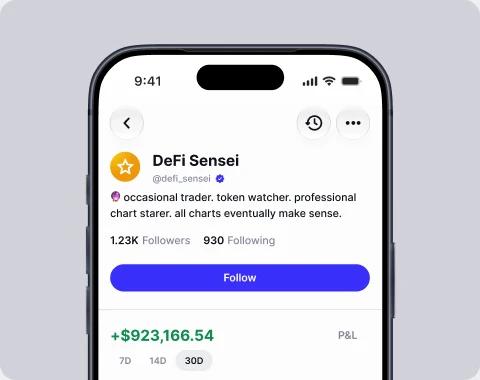
Social trading lets you follow other crypto traders and see their trades before you decide your own. Trust Wallet is bringing it to Perps as Social: a leaderboard of the top 100 Hyperliquid traders, a live feed of the positions they open and close, and public trader profiles. No copy trading: every trade stays yours to make, from your own wallet.
Your wallet just got social
See trades from the traders you follow, as they happen.



How does social trading work in Trust Wallet?
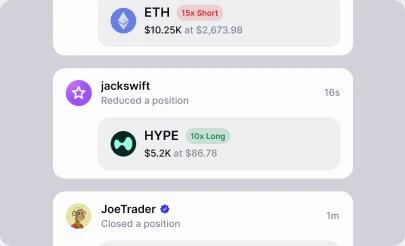
Watch trades happen, live
See each perps position the moment a trader opens or closes it: long or short, and its size.

Check the leaderboard
The leaderboard ranks traders by P&L over 7, 14 or 30 days, including the top 100 on Hyperliquid.

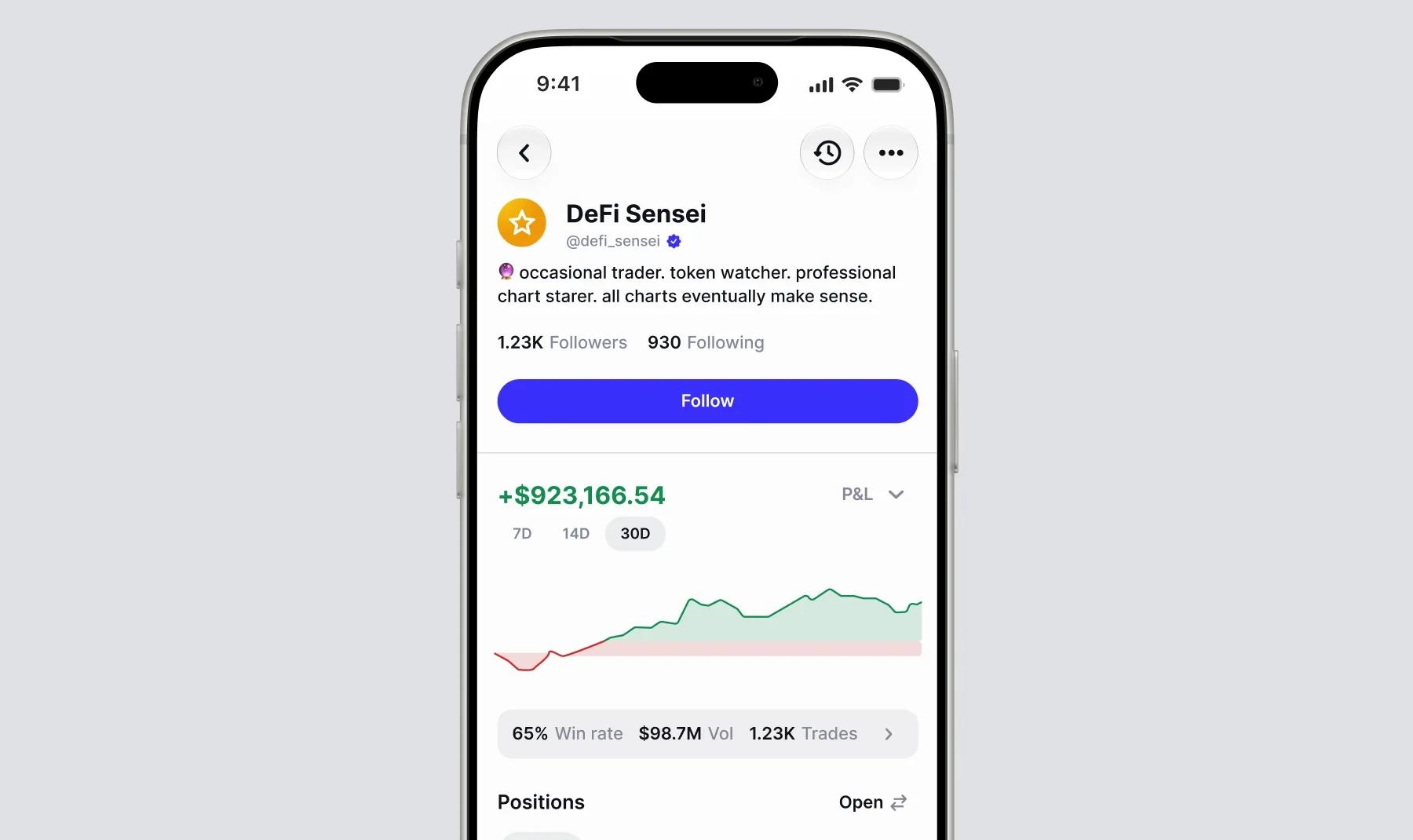
Get to know a trader
Check their win rate, volume, number of trades, and average hold time, plus their open and closed perps positions.
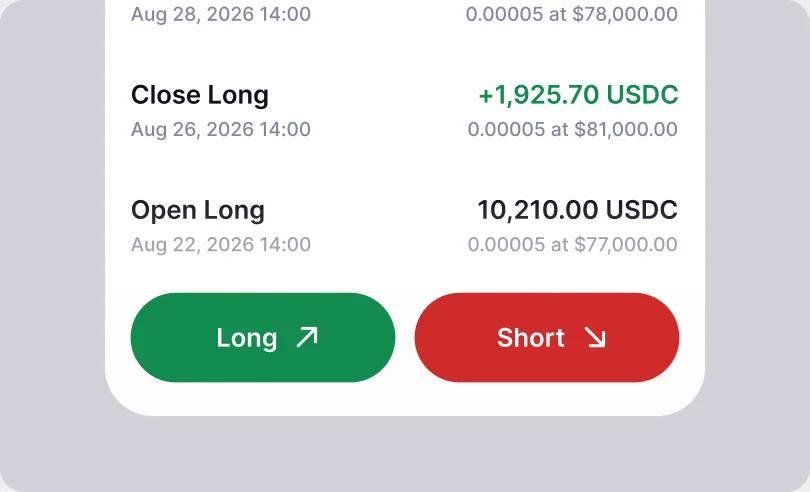
See trade details, then decide
Tap any trade in the feed to see the position details – then make your own call.
Why join social trading?
Social trading gives you more information before you trade: see what other traders do and how they’ve performed, then make your own decisions.


- Trades show up the moment they happen, not three hours later on X.
- Traders earn a spot in the feed through results over time, not one lucky call.
- Win rate, P&L, holding time: the whole track record, visible before anyone decides to trust it.
- Everything lives in one public, on-chain feed, instead of scattered across random “alpha” group chats.

How to start social trading on Trust Wallet

Step 1
Claim your username
Open Trust Wallet (free on iOS and Android), go to Perps, then Social, and pick a username. It’s how other traders find and follow you. Profiles are public.

Step 2
Follow top traders
Browse the leaderboard or the live feed and follow the traders you want to watch.

Step 3
Make your own trades
See when the traders you follow open and close positions, right on the chart. Then decide your own trade.
Trust Wallet is one of the highest-rated self-custody crypto wallets.
Rated 4.7 on the App Store and 4.6 on Google Play, across 2.7M verified reviews – trusted by millions of users on iOS and Android.


Got questions?
- Social trading is coming soon to the Trust Wallet mobile app on iOS and Android, as Social, under Perps. It lets you follow top Hyperliquid perps traders, watch their trades live and check their track record. This page will be updated with the date when it is live.
- No. Trust Wallet doesn’t offer copy trading, so no trade is ever placed for you automatically. Social, Trust Wallet’s social trading feature, shows you what top traders are doing, and you decide on every trade yourself, from your own wallet.
- Social trading means seeing what other traders are doing on-chain and deciding for yourself whether to act on it. You can discover traders, follow their activity and use it as one input into your own decisions, while every trade stays yours to make.
- In copy trading, you allocate funds to a trader and their trades are copied into your account automatically. In social trading, you see what traders do and decide for yourself whether to act. Trust Wallet offers social trading only: you stay in control of your own funds, and every trade is placed by you.
- In Social, under Perps in Trust Wallet, the leaderboard lists the top 100 traders on Hyperliquid. Open a trader’s profile to see their open and closed positions, or follow them to see their new trades in your live feed as they happen.
- Yes, with Social (coming soon, under Perps). From your own self-custody wallet, you can follow top perps traders on Hyperliquid, see their positions open and close, and check their P&L and win rate.
- Yes, in Social. It ranks Trust Wallet users who trade perps and the top 100 traders on Hyperliquid by P&L, realised and unrealised, over 7, 14 or 30 days.
- Social covers perpetual futures (perps) on Hyperliquid: 200+ markets, traded from your own wallet in Trust Wallet. Perps trading is not available in every region, including the United States and the United Kingdom.
- Yes. Once you create a Trust Wallet username, your Social profile and perps trades are public, so other users can find and follow you. You can also share your profile and a P&L card of your trades.
- Traders with this badge have a social media account associated with their wallet. It is not a recommendation or a sign of future results.
- It carries the same risks as crypto spot trading, and more complex risks. This is because perps add leverage (up to 40x in Trust Wallet), which magnifies losses as well as gains and can lead to liquidation. A trader’s rank or past results are not a prediction. Do your own research, size positions carefully and never trade more than you can afford to lose.
- P&L is profit and loss over a period. Win rate is the share of closed positions that ended in profit. Maximum drawdown is the largest fall from a peak. All three describe the past only.
- No. Trust Wallet is free to download, and Social adds no extra fee for following traders. Network, provider and service fees apply to any trade you place, and they are shown before you confirm.
Related Posts
 Sep 25, 2026What Is Social Trading? A Beginner's Guide
Social trading lets you learn from and follow other traders' activity instead of trading alone. Learn how it works, how it differs from copy trading, and how it fits a self-custody wallet.
 Sep 25, 2026Social Trading vs Copy Trading
Social trading and copy trading are related but not the same. Learn the difference, how each works, and which suits different traders.
 Oct 27, 2025How to Trade Perps in Trust Wallet: A Step-by-Step Guide
Discover how to trade perpetual futures in Trust Wallet. Learn about leverage, liquidation risks, and smart trading strategies for crypto perps.
 Oct 27, 2025What is perp trading and leverage?
Learn how perpetual futures work in crypto, what leverage means, and the risks of liquidation when trading with borrowed funds.
 Sep 25, 2026Is Copy Trading Safe & Profitable?
Copy trading isn't risk-free or a guaranteed profit. Learn the real risks — you inherit someone else's losses, past results don't predict future ones, and platform risk — plus how to copy trade more safely.
 Sep 25, 2026How to Spot What Smart Money Is Buying
"Smart money" in crypto means wallets with a strong on-chain track record. Learn how to find them, track what they buy across chains, and verify a wallet before following it — plus the risks.
Related Terms
Updates
Last updated:
- Updated the leaderboard, trader profile and verified badge details, and the app screens.
- Page published. Social trading for perps announced as coming soon to Trust Wallet.
Disclaimer: Content is for informational purposes and not investment, financial, or tax advice. Web3 and crypto come with risk. Please do your own research. View our terms of service.