

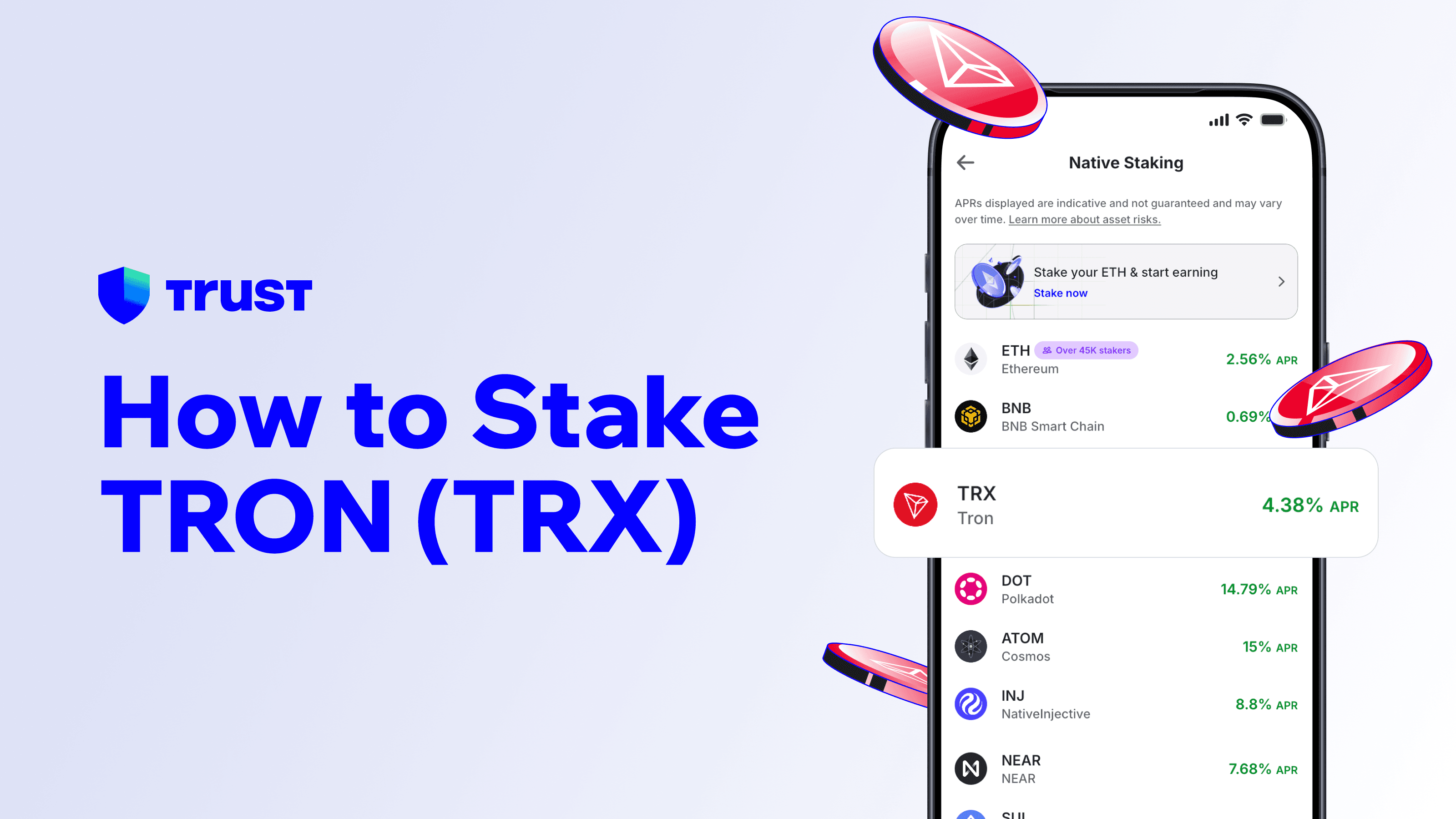
Staking TRON (TRX) works by freezing your coins and using the votes this generates to support Super Representatives — the validators that produce blocks on the TRON network. In return you earn a share of their rewards, and freezing also grants you bandwidth or energy, the resources that let you transact on TRON without paying fees in TRX. The trade-off is time: unfreezing your TRX takes 14 days.
What Is TRON Staking and Who Are Super Representatives?
TRON is governed by 27 Super Representatives (SRs), elected continuously by TRX holders. SRs produce blocks, confirm transactions, and earn rewards for doing so — and they share those rewards with the voters who elected them. When you freeze TRX, each frozen coin gives you voting power, and you point those votes at the SR candidates you want to support.
This is TRON's version of proof-of-stake: instead of delegating stake weight directly to a validator, you freeze coins and vote. The effect is the same — your coins help secure the network and you get paid for it — but the mechanics have one extra benefit unique to TRON.
What Are Bandwidth and Energy?
TRON meters network usage with two resources instead of charging a gas fee for everything:
| Resource | What it pays for | How you get it |
|---|---|---|
| Bandwidth | Simple transfers (sending TRX or tokens) | Freeze TRX for bandwidth |
| Energy | Smart contract calls (swaps, DeFi, tokens like USDT) | Freeze TRX for energy |
If you run out of a resource, the network burns TRX from your balance to cover the cost instead. Freezing TRX also grants bandwidth or energy, which covers the cost of transactions that would otherwise burn TRX as a fee.
How Do I Stake TRX Step by Step?
From a self-custody wallet the flow is straightforward:
Set up the wallet and back up your secret recovery phrase offline.
Add TRX, keeping a little unstaked for flexibility.
Open the TRX asset, choose Stake, pick an amount and confirm — this freezes the TRX and casts your votes.
Rewards, which are variable and not guaranteed, accrue from the Super Representatives you voted for; claim or restake them from the same screen.
To exit, unstake (unfreeze) and wait 14 days for the TRX to become spendable.
Freezing and voting are ordinary on-chain transactions signed with your keys.
Why Does Unfreezing Take 14 Days?
The 14-day wait serves the same purpose as unbonding periods elsewhere: it stops anyone from manipulating votes or attacking the network and instantly withdrawing their stake before consequences land. It is longer than BNB Chain's 7 days and much longer than Solana's roughly 2–3 day epoch exit, so plan accordingly. During the 14 days your TRX earns nothing and cannot be sold. The simple rule: freeze only what you will not need on short notice.
Is Staking TRX Safe?
Frozen TRX stays at your address — Super Representatives receive your votes, not your coins, and the protocol gives them no control over your stake. The real risks are the usual pair: TRX price movement while frozen, and the 14-day liquidity lock. Vote for well-established SRs with consistent block production — and check each SR's reward-sharing ratio: Super Representatives decide what percentage of rewards they pass on to voters (it can range from 0% to 100%), so two equally reliable SRs can pay very differently. And as with all self-custody staking, your secret recovery phrase is the single point of failure — keep it offline and private. The staking glossary entry covers general staking risks in more detail.
Staking TRX with Trust Wallet
Trust Wallet supports TRX staking in-app: open the asset, choose Stake, pick an amount and confirm, and your TRX is frozen and voting from an address only you control. The wallet is self-custody, used by millions of people worldwide, and also supports staking for ETH, SOL, BNB, ATOM, and more. Its built-in Security Scanner checks transactions against known risk signals and warns you before you sign — a prompt to look closer, not a guarantee. Get started on the TRON staking page or browse every supported asset at the Trust Wallet staking hub.
Disclaimer: Content is for informational purposes and not investment, financial, or tax advice. Web3 and crypto come with risk. Please do your own research with respect to interacting with any Web3 applications or crypto assets. View our terms of service.