

If you're curious about how to buy crypto assets like Chainlink (LINK) in a straightforward manner, you've landed on the right page. In this guide, we'll walk you through purchasing Chainlink using Trust Wallet, a highly secure, self-custody crypto wallet and Web3 gateway trusted by millions.
What is Trust Wallet?
Trusted by over 70 million users worldwide, Trust Wallet is more than just a simple-to-use crypto wallet—it's your open gateway to the Web3 world. Built on our core values of financial freedom, strong security, and user-friendly design, we're on a mission to build a seamless Web3 hub and open ecosystem for everyone. Buy crypto, swap tokens, stake to earn rewards, and so much more. Whether you're a beginner or an expert, Trust Wallet empowers you to fully own, control, and leverage your digital assets.
With key features like the Trust Wallet Security Scanner and support for 10+ million digital assets across 100+ blockchains, you can explore and access opportunities in Web3 with confidence. Trust Wallet is available as a mobile app on Apple iOS and Android, and also as the Trust Wallet Chrome Extension for desktops.
What is Chainlink?
Chainlink (LINK) is a decentralized oracle network that aims to connect smart contracts with real-world data. Founded in 2017 by Sergey Nazarov and Steve Ellis, Chainlink addresses the challenge of enabling smart contracts on blockchain to interact with external data sources. To bridge this gap, Chainlink uses a network of node operators that fetch and relay data to and from the blockchain.
The LINK token serves a critical function in this ecosystem. It's the native cryptocurrency that is used to compensate node operators for retrieving and supplying data. Holding LINK tokens can also be a requirement for node operators, serving as collateral to ensure data integrity and reliability. This incentivizes accuracy and helps maintain a secure and trustworthy network.
In a nutshell, Chainlink extends the utility of smart contracts by linking them with external data, making blockchain technology more applicable to a range of real-world use cases, from decentralized finance (DeFi) to supply chain management. The LINK token is central to maintaining the network's reliability and security.
Learn more about Chainlink: A beginner’s guide to Chainlink
Before You Get Started
Before we delve into the steps for buying Chainlink via Trust Wallet, you'll first need to set up a wallet if you haven't already. Trust Wallet can be downloaded as a mobile app, or you can install the Trust Wallet Extension for your desktop browser. For this guide, we'll focus on creating a new wallet using the Trust Wallet mobile app.
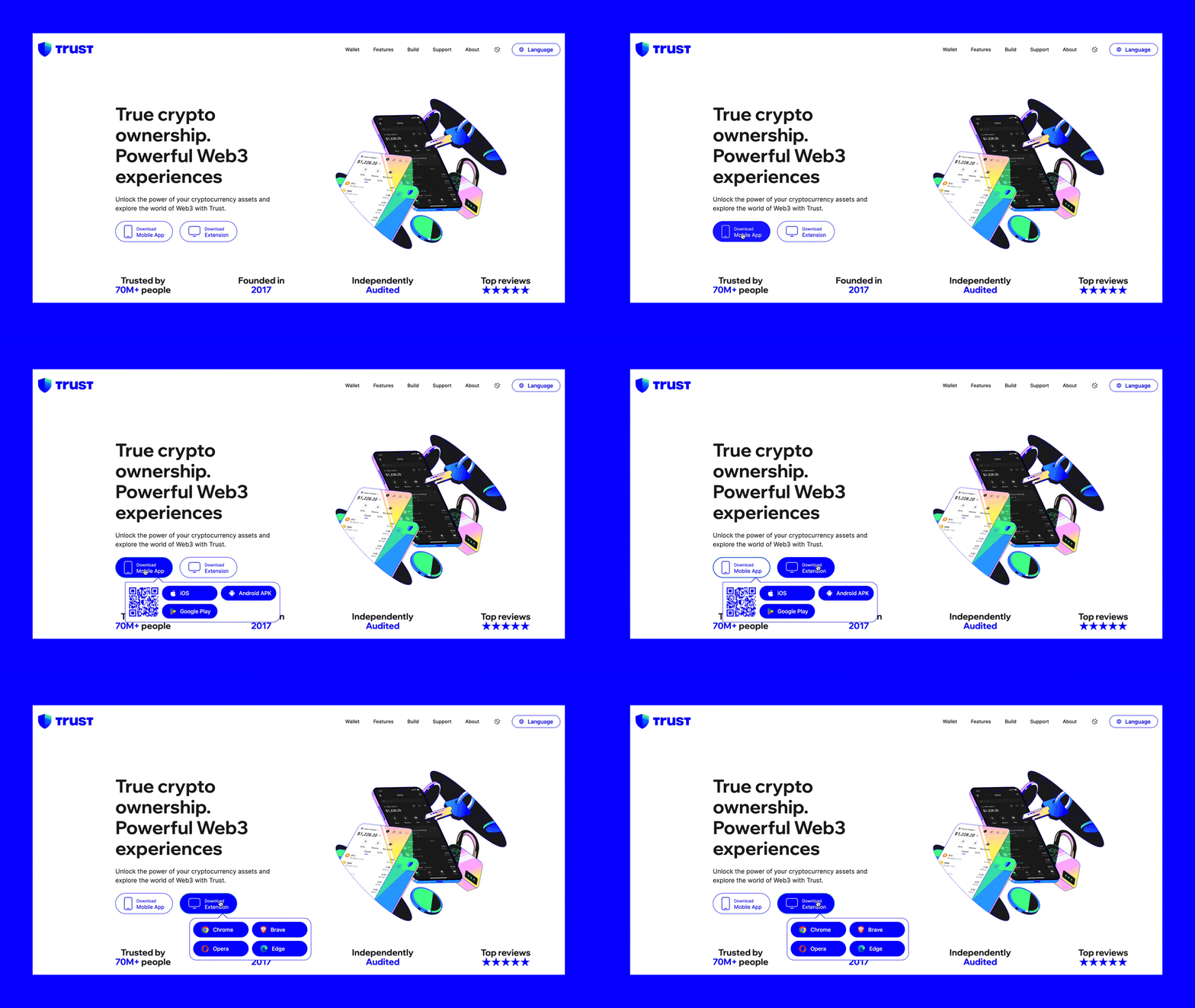
Step 1: Get the most updated version of Trust Wallet
Below you’ll see the steps to create a new wallet, but you could just as easily import an existing Web3 wallet to Trust Wallet, if that’s your preference.
To create a new wallet:
Download, install and then open Trust Wallet
Choose “Create a new wallet”.
Choose your backup option, or you can optionally postpone the backup process by choosing “Skip”.
Start using Trust Wallet.

Step 2: Buy crypto using your Trust Wallet
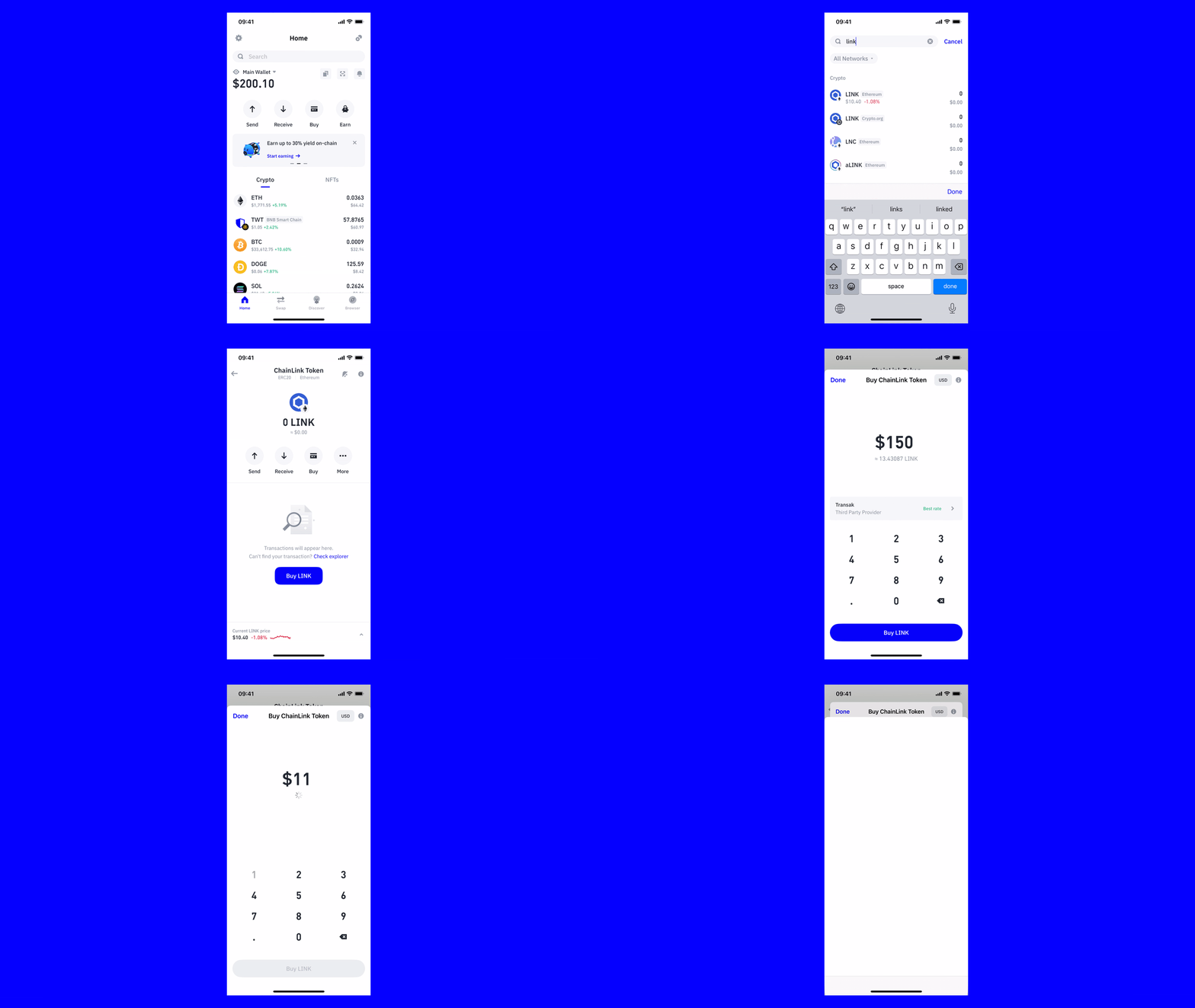
Search for “link” or “chainlink” from the search bar on the wallet’s Home screen.
Select LINK on the Ethereum Network or on the Binance Smart Chain.
Select “Buy”.
Enter the amount of LINK you want to purchase.
Select the third party provider & payment method you’d like to use.
Select “Buy LINK”, and then follow the steps to complete the purchase.
Frequently Asked Questions
What are the fees to buy Chainlink (LINK) using Trust Wallet?
Fees are dynamically determined in real-time by our affiliated fiat gateway partners. We've teamed up with a variety of third-party payment services to offer you a diverse array of convenient choices. Please be aware that the fee schedule may differ depending on the payment method selected and your geographical location.
What payment methods are accepted?
Trust Wallet accommodates multiple payment options, such as credit/debit cards and bank transfers, to name a few. The specific methods available to you are subject to your location and the payment provider you opt for.
What currencies can I use to purchase Chainlink (LINK)?
Our global partners support over 100 local fiat currencies. This enables a broad range of users to purchase crypto in their native currency.
In addition to buying, can I also sell Chainlink (LINK) using Trust Wallet?
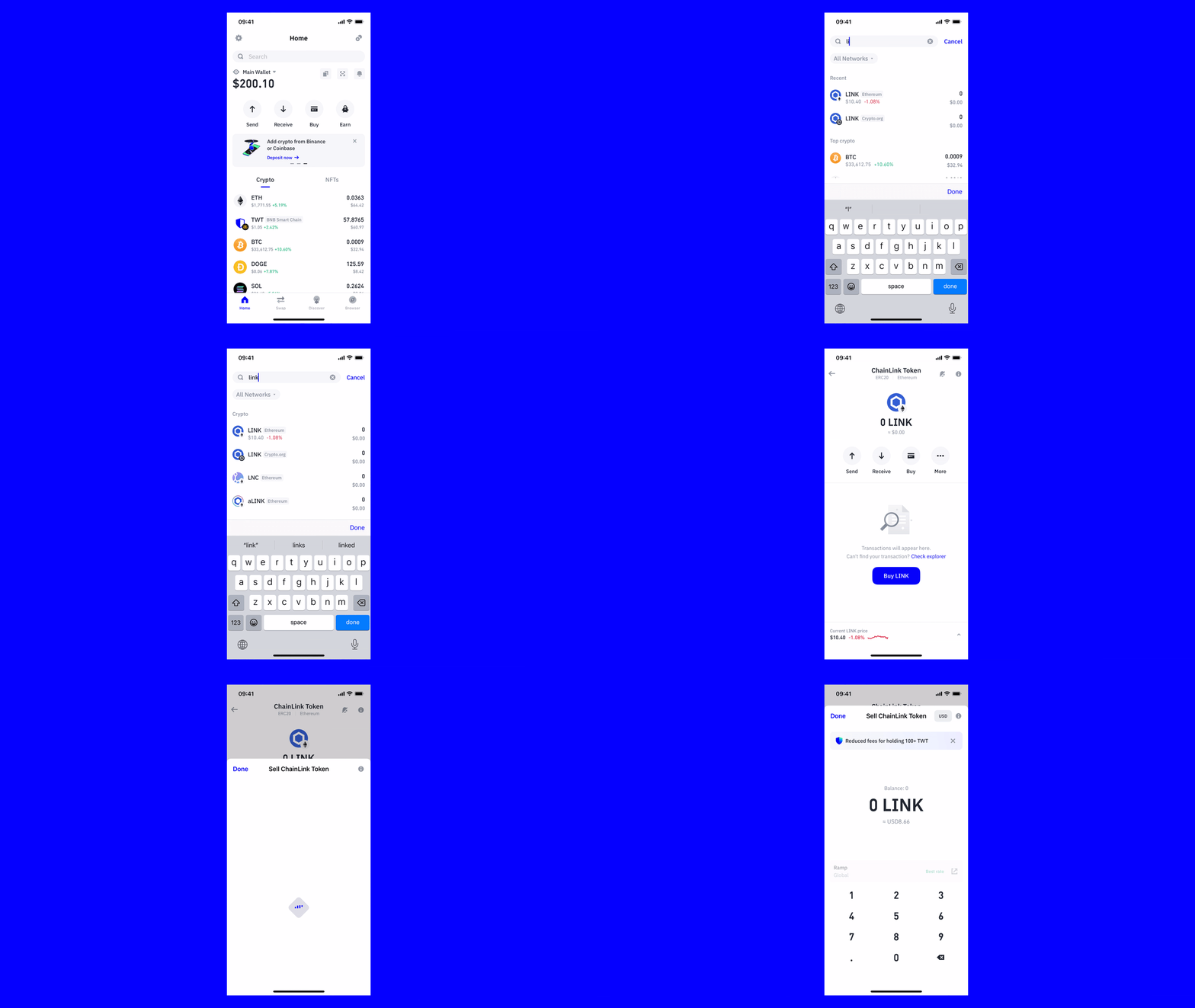
Absolutely, you can convert your Chainlink to fiat currency using Trust Wallet. Our integrated third-party partners offer services that allow you to sell your crypto for cash. Here’s how to sell your Chainlink using Trust Wallet.
Choose Chainlink (LINK) from your wallet’s home screen.
Choose the “More” option.
Enter the amount you want to sell.
Select the third-party provider, and then complete the remaining steps to sell your Chainlink (LINK).
When I buy Chainlink (LINK) using Trust Wallet, where is it stored?
When you buy LINK using your Trust Wallet, it’s stored directly in your wallet. There’s no need to transfer your LINK from one address to another or do anything else – the crypto will be stored safely and automatically.
How do I check my Chainlink (LINK) balance in Trust Wallet?
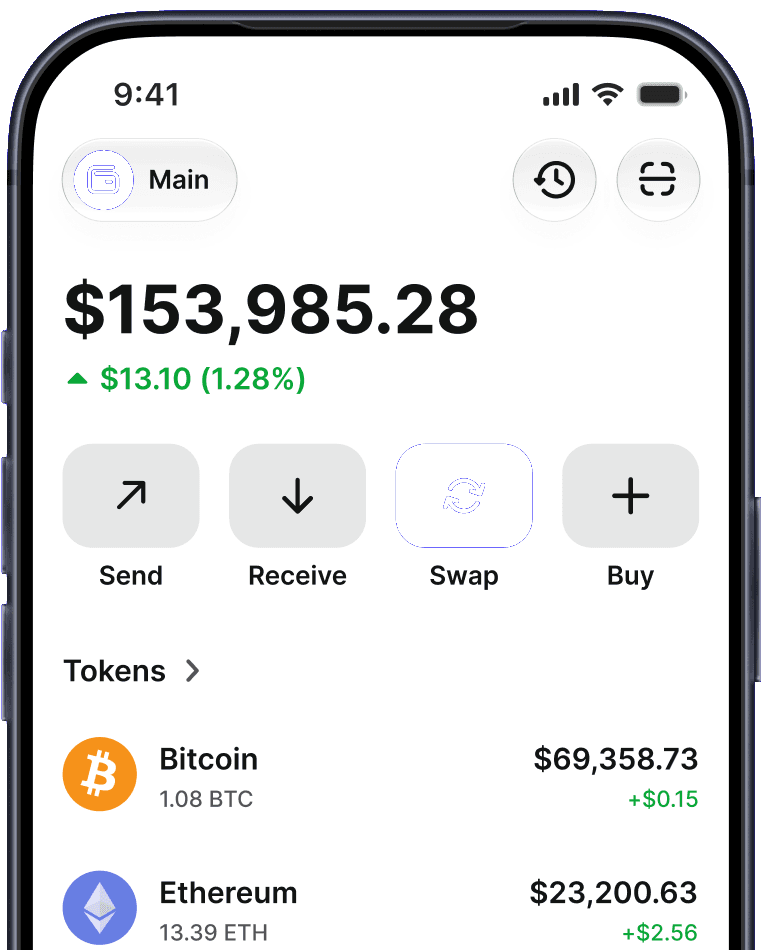
To check your LINK balance in the Trust Wallet app, simply open the app and view your current balance from the main wallet page.
How do I check the Chainlink (LINK) price in Trust Wallet?
To check the LINK price in the Trust Wallet app, simply open it and view the price from the main wallet page. Alternatively, you can also select the LINK asset and tap on the chart symbol to view more detailed information on the LINK price.
Join the Trust Wallet community on Telegram Follow us on X (formerly Twitter) Instagram Facebook Reddit
Note: Any cited numbers, figures, or illustrations are reported at the time of writing, and are subject to change.