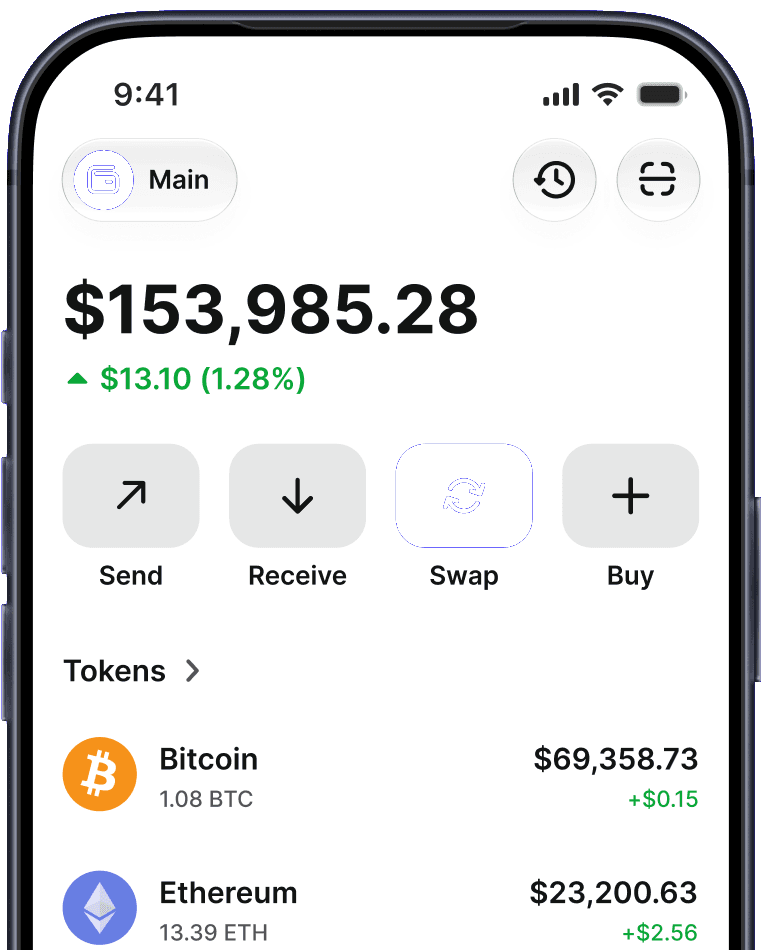


Your security. Your
privacy. Our priority
Security & privacy are at the core of what we do. Learn how we protect your data and make your entire Web3 journey safer
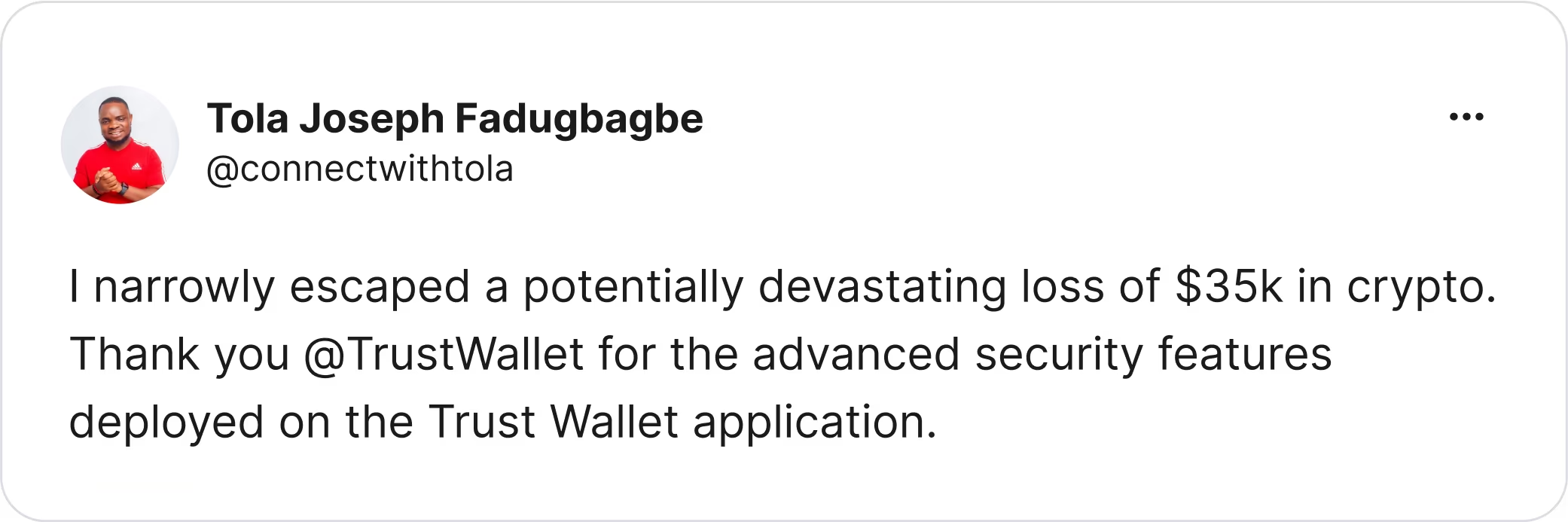
We build security features that protect your assets
Built-in risk monitoring tools, like our Security Scanner, help over 200 million Trust Wallet users safeguard their assets and avoid potential scams.
Download Trust WalletIndependently audited by industry leaders




ISO Certified


Your entire Web3 journey,
made safe and secure
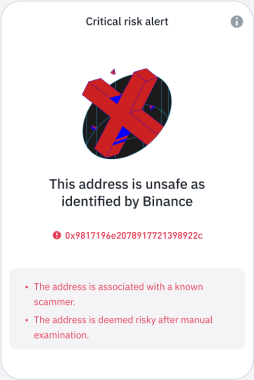
Protect your crypto with proactive security warnings
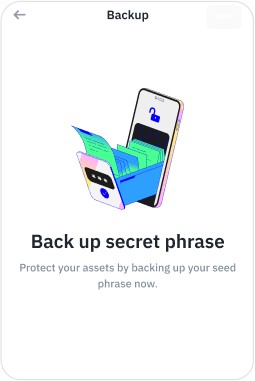
Safeguard your assets with Encrypted Cloud Backups
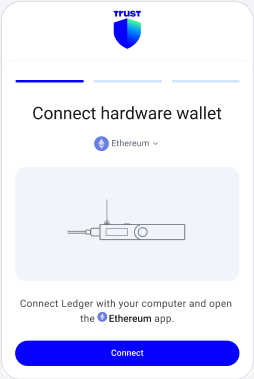
Connect a hardware wallet to add another layer of security
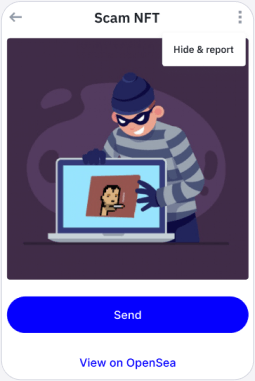
Hide & report unsafe NFTs
Security is at our core
With the trust of over 200 million people worldwide, we take a proactive approach to security.
Battle-tested since 2017
Protected by multiple layers of security, we’ve operated safely since inception. Keeping your assets safe has always been and will always be our top priority.
Strong encryption
All our products have strong encryption as verified by multiple leading independent auditors.
Read moreIndependent security audits
We regularly undergo audits by reputable third-party security auditing firms to identify and fix potential vulnerabilities – keeping your assets and data safe.
Read moreSecurity monitoring
We proactively identify risks with ongoing security monitoring for our community’s protection. In-app notifications keep you up to date.
Read moreBug bounty
Bug bounties allow us to continually improve our products and stay ahead of threats in the crypto ecosystem.
Read more
Our security partners



Your right to privacy
We prioritize your right to privacy, using data responsibly to enhance your experience.
Self-custody
Your keys, your crypto. We never access or store your private keys.
Zero personal tracking
We don't track or store your personal info, such as IP or email address.
No sign-up required
Set up a new wallet freely. No personal data required.
Discover more ways to keep your assets safe
Get safety tips
Get help when you need it
Contact Support
Trust Wallet is one of the highest-rated self-custody crypto wallets.
Rated 4.7 on the App Store and 4.6 on Google Play, across 2.7M verified reviews – trusted by millions of users on iOS and Android.


Frequently asked questions
- Trust Wallet is designed with security at its core. It is a non-custodial wallet — your funds and private keys are controlled by you, never held on Trust Wallet's servers. The app is ISO/IEC 27001 and ISO/IEC 27701 certified (independently verified by A-LIGN), audited by leading security firms including CertiK, Cure53, Halborn, Kudelski Security, and Quantstamp, and built on the open-source Wallet Core library. As with any wallet, overall security also depends on your own practices — protecting your 12-word recovery phrase, verifying app sources, and reviewing transactions before signing.
- No software in crypto is fully immune to security risks. Trust Wallet's non-custodial design means our servers don't hold user funds or private keys, which limits exposure if any single component is targeted. We continuously audit our code, run a public bug bounty, and patch issues promptly. Most everyday user losses come from social engineering — sharing the 12-word recovery phrase, approving malicious smart-contract transactions, or installing fake versions of the app. Trust Wallet's built-in Security Scanner helps by flagging known phishing domains and suspicious contracts before you sign.
- No. Trust Wallet is non-custodial — your private keys are stored locally on your device, encrypted and protected by biometric authentication and a PIN. Trust Wallet's servers do not hold or have access to your keys, which means we cannot recover, freeze, or move your funds on your behalf. Your security ultimately depends on protecting your device and safeguarding your 12-word recovery phrase.
- You can restore your wallet on any device using your 12-word recovery phrase. Without the phrase, no one — including Trust Wallet — can recover your funds. This is a core property of self-custody. Always back up your recovery phrase offline (paper, or a metal backup is best), store it somewhere physically secure, and never share it with anyone — including people claiming to be Trust Wallet support. Official Trust Wallet support will never ask for your recovery phrase.
- Yes. Trust Wallet has undergone multiple third-party security audits from independent firms including CertiK, Cure53, Halborn, Kudelski Security, and Quantstamp. Wallet Core — the open-source cryptographic library powering Trust Wallet — is publicly available on GitHub for community review. Auditing is an ongoing process; security in crypto is continuous, not a one-time milestone.
- Trust Wallet holds ISO/IEC 27001 (Information Security Management) and ISO/IEC 27701 (Privacy Information Management) certifications, independently verified by A-LIGN. These certifications confirm that Trust Wallet follows internationally recognized practices for managing information security and protecting user privacy.
- Most losses in crypto come from social engineering, not technical exploits. Practical steps: never share your 12-word recovery phrase — Trust Wallet support will never ask for it. Enable biometric authentication and a strong PIN. Always verify URLs before signing transactions (the official site is trustwallet.com — bookmark it). Only download Trust Wallet from official app stores (Apple App Store, Google Play) or directly from trustwallet.com/download — never from links sent over chat, email, or social media. Use Trust Wallet's built-in Security Scanner, which flags known phishing sites and malicious contracts. For larger balances, consider pairing Trust Wallet with a hardware wallet via the Ledger integration.
Related Blogs
All Articles Aug 13, 2026Crypto Self-Custody Security Checklist: 10 Rules
Ten practical rules that address the most common ways self-custody funds are lost: protecting your recovery phrase, verifying addresses, reviewing what you sign, revoking approvals, and the habits that stop scammers cold.
 Aug 13, 2026How the Trust Wallet Security Scanner Works
The Trust Wallet Security Scanner checks transactions on supported networks before you sign: it simulates the real effect, screens destinations against known scam contracts, and warns on risky token approvals — a prompt to look closer, not a guarantee. How it works, what it catches, and what it can't.
 Jun 30, 2026From Exchange to Self-Custody: Transfer Crypto to Trust Wallet in minutes
Learn how to move your crypto from a centralized exchange to Trust Wallet. Take control with self-custody, hold your own keys, and manage assets across 100+ chains.