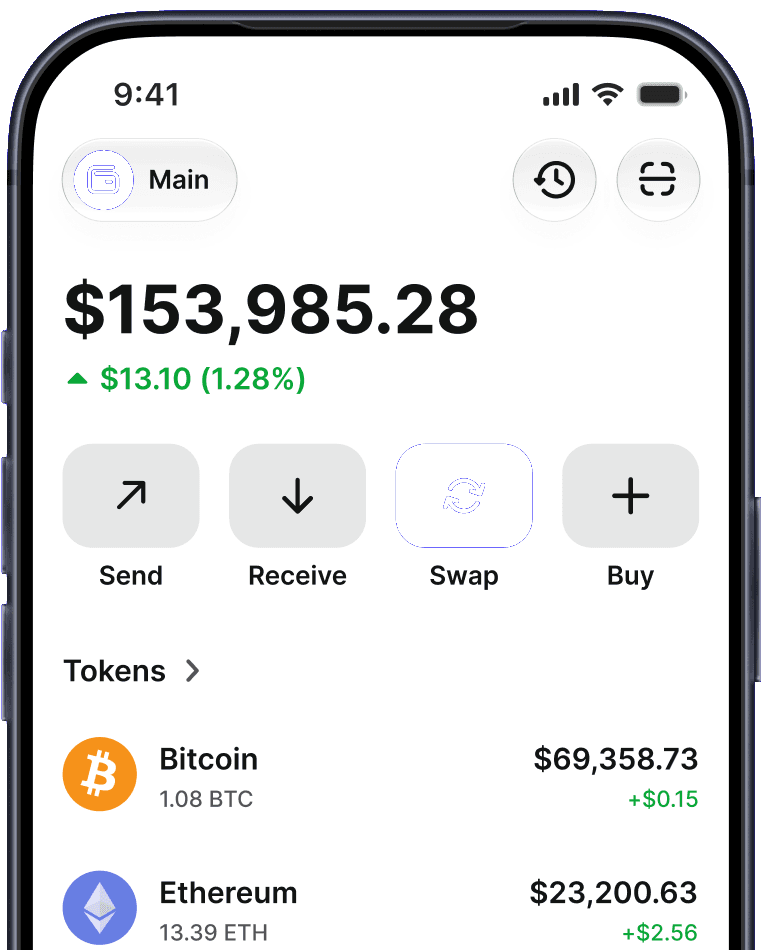


Your crypto wallet, right in your browser
The Trust Wallet extension for Chrome and Brave on Windows, Mac and Linux. Buy, swap and stake crypto across 100+ blockchains and connect to dApps, while your private keys stay on your device.

Official Chrome Web Store ID: egjidjbpglichdcondbcbdnbeeppgdph


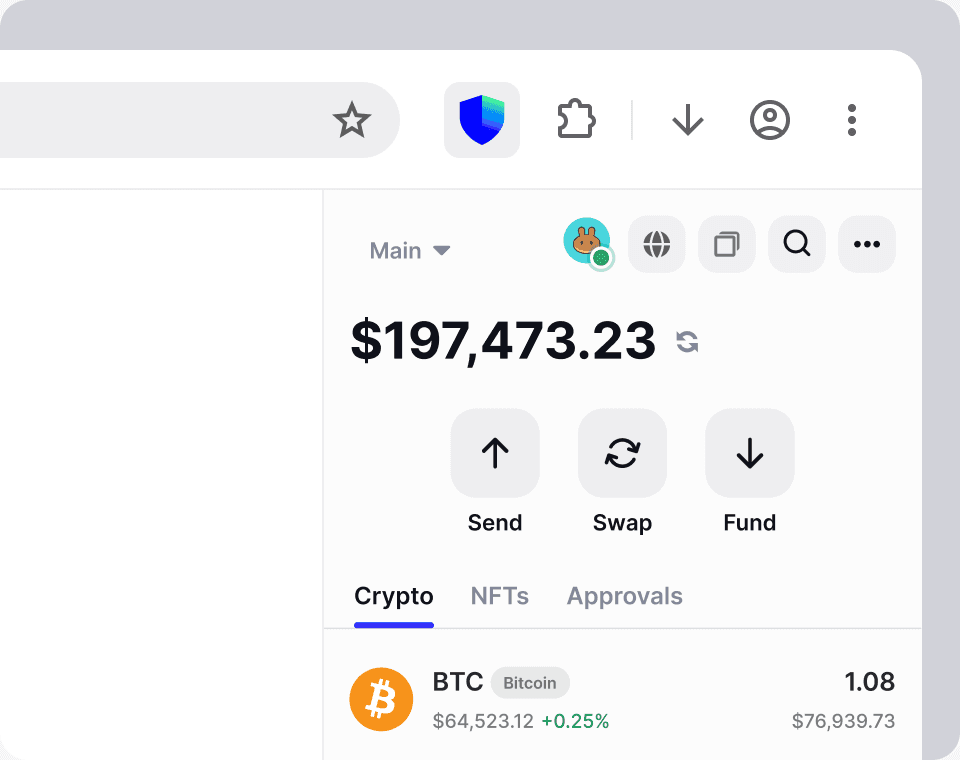
How to install the Trust Wallet extension
- Step 1
Add it to your browser
Open the official Trust Wallet listing on the Chrome Web Store and click Add to Chrome. Check that the publisher is Trust Wallet.
- Step 2
Create or import a wallet
Create a new wallet, or import one you already have with its secret phrase. Set a password to unlock the extension on this device.
- Step 3
Pin it and start
Pin Trust Wallet to your toolbar, then buy, swap or connect to a dApp in a few clicks.
Back up your secret phrase offline. It's the only way to restore your wallet.
What you can do with the Trust Wallet extension
Swap tokens on the same chain or across chains. Quotes from third-party providers are shown before you confirm. Cross-chain swaps move value through third-party bridges Trust Wallet doesn't operate.
Explore swaps
Buy crypto with a card, bank transfer or local payment methods through integrated third-party providers.
Explore buying cryptoStake supported assets right from the extension. Rewards are variable and not guaranteed.
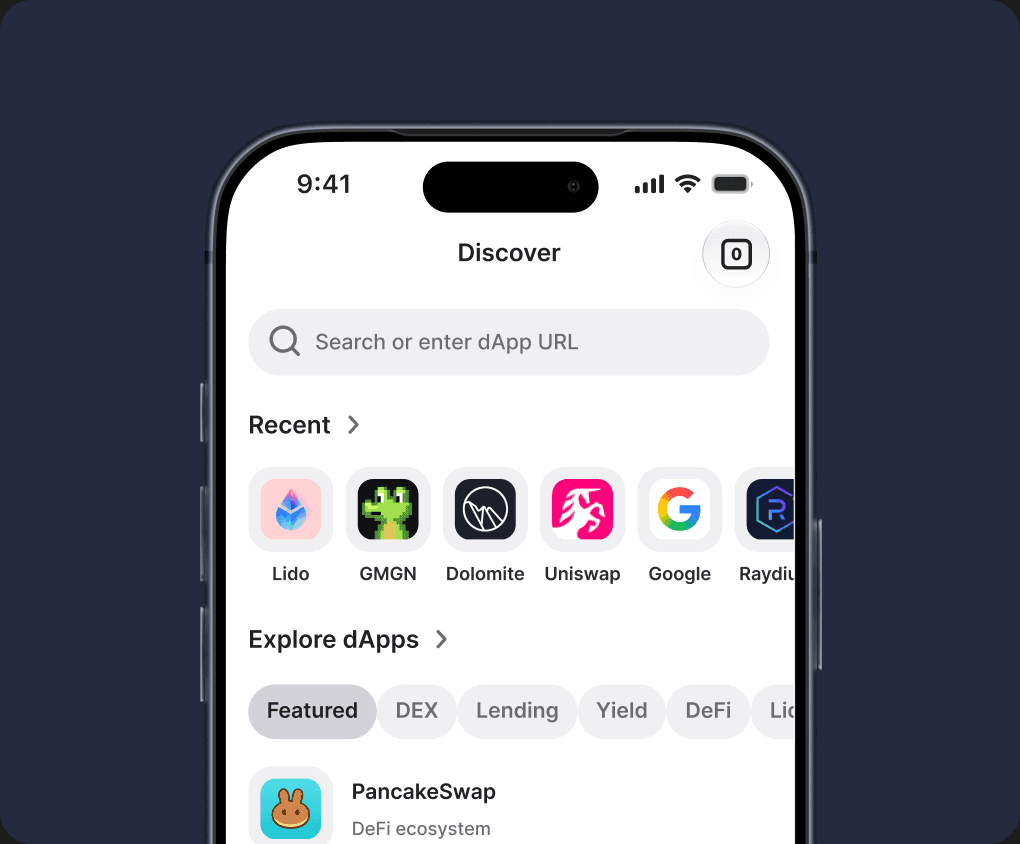
Explore stakingConnect to DeFi, NFT and Web3 apps in one click, and approve every transaction yourself.
What is a dApp?Connect a Ledger hardware wallet over USB and confirm transactions on the device, with the Bitcoin, Ethereum and Solana apps.
What is a hardware wallet?See which apps can spend your tokens and revoke the approvals you no longer need, right from the extension.
Explore security







Switching from another wallet? Bring your assets with you
Looking for an alternative to MetaMask and other EVM wallets? Your assets live on the blockchain, not in the app. Import your secret phrase into Trust Wallet and the Ethereum and EVM accounts created from it come with you.
| Trust Wallet vs MetaMask at a glance |  |  |
|---|---|---|
| Blockchains built in | 100+ | EVM networks, plus 3 others: Bitcoin, Solana and TRON |
| Stakeable assets | 25, including ETH, BNB, SOL, TRX and ATOM | 2: ETH and POL |
| Fee on stablecoin swaps | 0% Trust Wallet fee on eligible same-chain pairs | 0.875% MetaMask fee |
| TON, XRP, Cardano, Sui and Cosmos | Built in | Not built in (some via third-party Snaps) |
| Self-custody | Yes | Yes |
As of October 2026, based on MetaMask's public documentation. Network fees and third-party provider fees may apply on both. Features and fees may change.
Only enter your secret phrase in the official extension. Trust Wallet will never ask for it by message, email or support chat.
How to log in to the Trust Wallet extension
There's no Trust Wallet account to sign in to. Your wallet is protected by a password on your device and a secret phrase that only you hold.

Unlock with your password
Enter the password you set on this device, or use biometrics or a passkey. It locks itself after a period of inactivity.

Restore with your secret phrase
New computer or forgot your password? Reinstall the extension, choose Import wallet and enter your secret phrase.

Your keys stay on your device
Private keys are encrypted on your device. Trust Wallet can't access them or reset your password.
100+ blockchains in one browser wallet
Bitcoin, Ethereum, Solana, BNB Smart Chain, TRON, Base, Arbitrum and 100+ more networks, with new ones added regularly.







 Acala
Acala Acala EVM
 Aeternity
 Agoric
 Aion
Aion Akash
Akash Algorand
 Aptos
Aptos Arbitrum
 Aurora
 Avalanche C-Chain
 Axelar
 BNB Smart Chain
 BandChain
 Base
Base Bitcoin
 Bitcoin Cash
 Bitcoin Gold
 Blast
Blast Boba
Boba BounceBit
 Cardano
 Celo
Celo Conflux eSpace
 Cosmos
 Cronos Chain
 CryptoOrg
 Dash
Dash Decred
 DigiByte
 Dogecoin
 ECO Chain
 EOS
EOS Ethereum
 Ethereum Classic
 Evmos
Evmos FIO
FIO Fantom
 Filecoin
 Firo
Firo GoChain
 Greenfield
 Groestlcoin
 Harmony
 HyperEVM
 ICON
ICON Internet Computer
 IoTeX
IoTeX IoTeX EVM
 Juno
Juno Kaia
Kaia Kava
Kava KavaEvm
 Kin
Kin KuCoin Community Chain
 Kusama
 Linea
Linea Litecoin
 Manta Pacific
 Mantle
 MegaETH
 Merlin
 Meter
Meter Metis
Metis Monad
Monad Moonbeam
 Moonriver
 MultiversX
 NEAR
NEAR NEO
NEO NULS
NULS Nano
Nano NativeEvmos
 NativeInjective
 NativeZetaChain
 Nebulas
 Neon
Neon Neutron
 Nimiq
Nimiq OKX Chain
 Ontology
 OpBNB
OpBNB Optimism
 Osmosis
 POA Network
 Polkadot
 Polygon
 Polygon zkEVM
 Qtum
Qtum Ravencoin
 Robinhood Chain
 Ronin
Ronin Scroll
 Sei
Sei Sei EVM
 Solana
 Sonic
Sonic Stargaze
 Stellar
 Stride
 Sui
Sui THORChain
 TON
TON Terra
Terra Tezos
Tezos Theta
Theta ThunderCore
 Tron
Tron USDC
USDC VeChain
 Viacoin
 Viction
 Wanchain
 Waves
Waves XRP
XRP- XRP
 Zcash
Zcash Zelcash
 Zeta EVM
 Zilliqa
 Zksync
 xDai
xDai
Trust Wallet extension FAQ
- Go to the official Trust Wallet listing on the Chrome Web Store (ID egjidjbpglichdcondbcbdnbeeppgdph) and click Add to Chrome. Then create a new wallet or import an existing one with your secret phrase, set a password, and pin the extension to your toolbar.
- Trust Wallet officially supports Chrome. The extension installs from the Chrome Web Store, so it can also be added to other Chromium-based browsers such as Brave, Edge and Opera. It isn't available for Firefox or Safari. Install it only from the official Chrome Web Store listing.
- Trust Wallet runs on desktop as a browser extension. Install it from the Chrome Web Store in Chrome, Brave or another Chromium-based browser on Windows, macOS or Linux. There's no separate desktop app to download, so only install the extension from the official listing.
- There's no account or email login. Open the extension and enter the password you set on that device, or use biometrics or a passkey if you've turned them on. On a new device, choose Import wallet and enter your secret phrase (also called a seed or recovery phrase) to restore your wallet.
- Trust Wallet can't reset or recover your password, because it's stored only on your device. Remove and reinstall the extension, choose Import wallet and enter your secret phrase, then set a new password. Without your secret phrase the wallet can't be restored, so keep it backed up offline.
- Yes. The extension is a full wallet on its own. You can create a new wallet in your browser, or import an existing one with your secret phrase, without installing the Trust Wallet mobile app.
- Yes. Use QR Sync to bring your mobile wallet into the extension, or import the same secret phrase into both. You'll see the same addresses and balances in the app and in your browser.
- Yes. Choose Import wallet in the extension and enter your MetaMask secret phrase. Your Ethereum and EVM accounts come with it. Hardware-wallet accounts and accounts imported with a private key need to be added separately, and addresses on other networks can differ, so check them before moving funds. Never share your secret phrase with anyone.
- If you use more than EVM networks, Trust Wallet covers more in one extension: 100+ blockchains natively, including Bitcoin, Solana, TON and XRP, and 25 assets you can stake. MetaMask natively supports EVM networks plus Bitcoin, Solana and TRON. You can import your MetaMask secret phrase into Trust Wallet to switch.
- It's free to download. Network fees apply to transactions, and services such as swaps or buying crypto may include provider or Trust Wallet fees, which are shown before you confirm.
- It's a self-custody wallet: your private keys are encrypted on your device, and every transaction needs your approval. The official extension is published by Trust Wallet on the Chrome Web Store with the ID egjidjbpglichdcondbcbdnbeeppgdph. Fake extensions copy the name and logo, so check the ID and publisher, or install from the link on trustwallet.com.
- Yes. The extension supports standard Ethereum provider APIs and EIP-6963, so dApps can detect and connect to it. See the Developer Docs for integration guides.
Related Posts
 Feb 20, 2025A Beginner's Guide to Trust Wallet Browser Extension
Discover the Trust Wallet Browser Extension, a secure and user-friendly tool to manage crypto, NFTs, and dApps on Chrome, Brave, Edge, and Opera.
 Oct 16, 2023How to Import Your Wallet from Metamask to Trust Wallet
Discover how to transfer your MetaMask wallet to Trust Wallet with this step-by-step guide. Learn about both wallets, as well as how to manage multiple addresses using Trust Wallet.
 Sep 11, 2025Introducing QR Sync: Import Your Mobile Wallet to the Desktop Extension
Bring your Trust Wallet from mobile to desktop in seconds with QR Sync. Fast, secure, and no secret phrase needed for a seamless Web3 experience.
 Oct 19, 2023How to Use the Trust Wallet Browser Extension in the Brave Browser
Learn how to seamlessly use Trust Wallet Browser Extension with Brave. Discover step-by-step guides to installation, wallet setup, and crypto management.
 May 15, 2025Multiple Accounts — Now Live in Trust Wallet Extension
With the latest Trust Wallet Extension update, you can now create multiple accounts under a single recovery phrase — giving you flexibility and speed without compromising on self-custody.
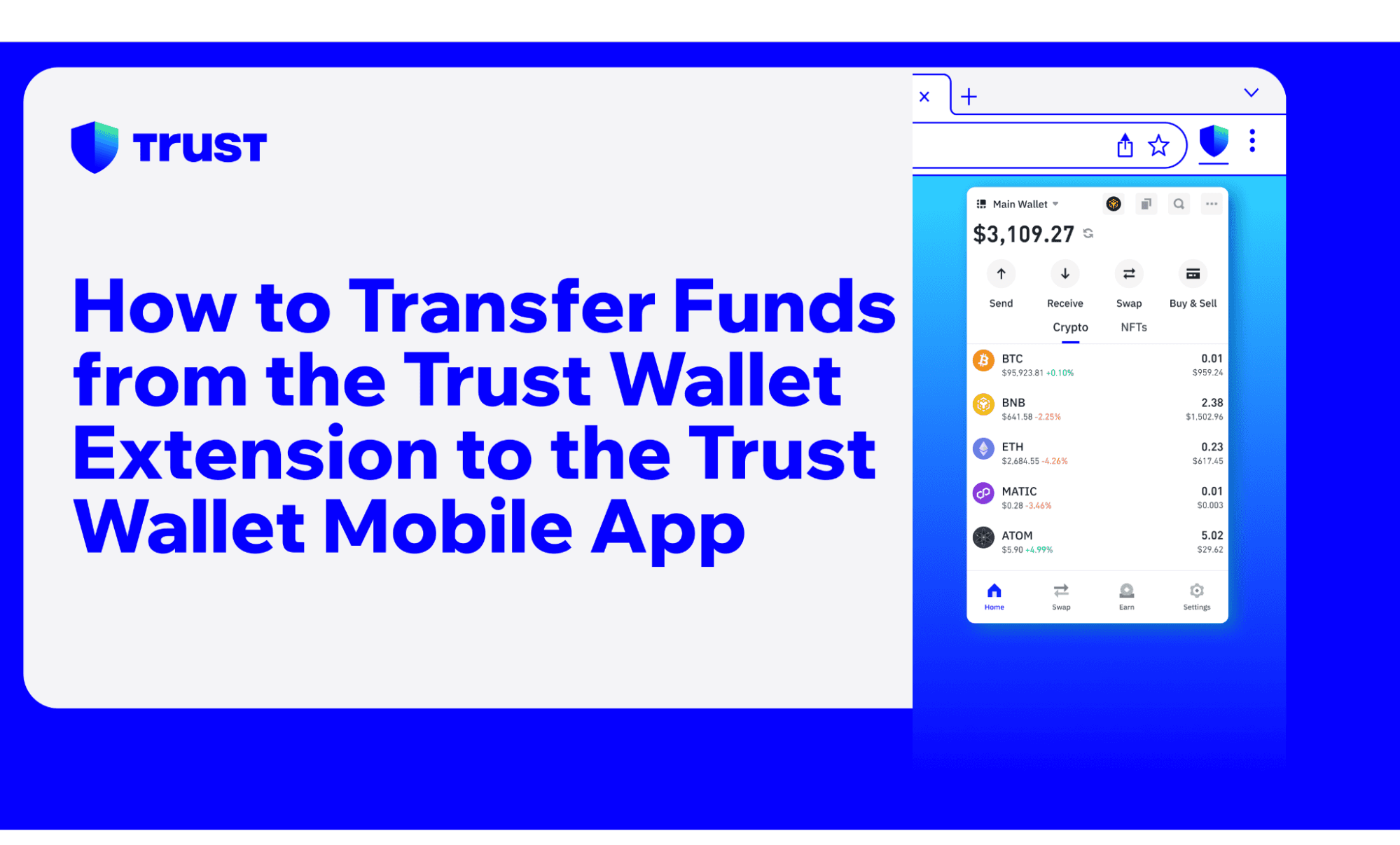 Mar 4, 2025How to Transfer Funds from the Trust Wallet Extension to the Trust Wallet Mobile App
Learn how to transfer crypto safely from Trust Wallet's Browser Extension to the Mobile App with this step-by-step guide. Enjoy seamless wallet integration!